
Integrated with FYERS
Trade directly on
TradingView with FYERS
Use your FYERS brokerage account to access an unparalleled trading experience with supercharged charting and analytical tools.
Newcomerof the Year2023

Best Brokerin South Asia2024
Best FuturesBroker – Asia2025
Newcomerof the Year2023
Best Brokerin South Asia2024
Best FuturesBroker – Asia2025
Benefits you’ll enjoyBenefits you’ll enjoy

Exceptional charts
Trade with highly interactive 20+ chart types, 400+ indicators and 110+ drawing tools.
Pine Script™
Create and share your own indicators and strategies with fewer lines of code.
Strategy tester
Use historical data to test strategies and make trading decisions confidently.
Responsive order panel
Examine potential entry and exit points and manage risk from the chart.
Live news stream
Stay on top of important market updates from leading media sources.
Community insights
Learn from TradingView traders and investors, share ideas and stay informed.
Get the TradingView apps
Enhance your experience with the desktop terminal or trade on the go in the mobile app.
 Download desktop app


FYERS, TradingView & You
The best combination for your trading.
Trade with advanced drawing tools and a wide range of indicators.
Discover stocks to trade based on the criteria that matter to you.
Create alerts for the market events and price movements you follow.
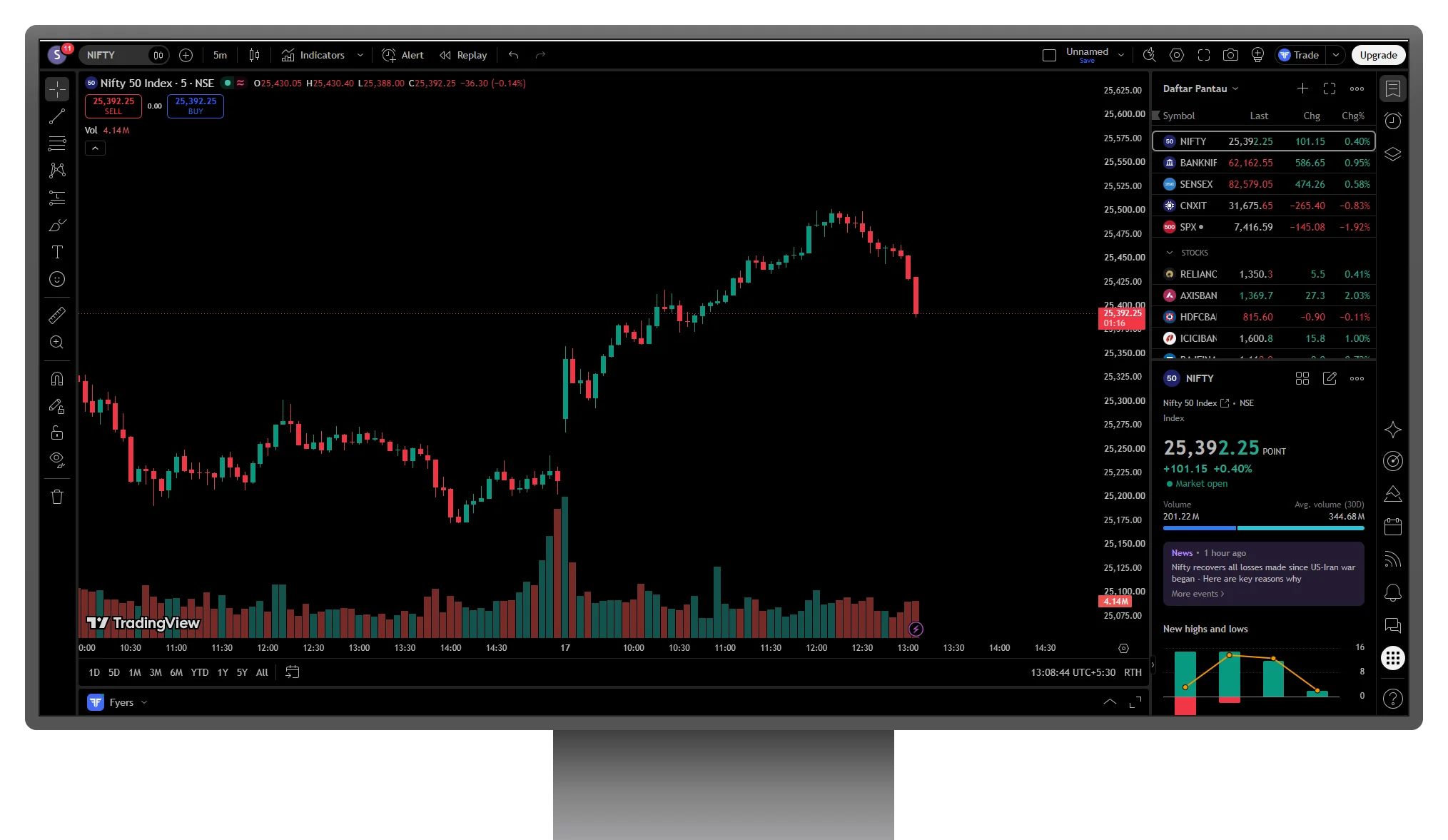
Connect FYERS to TradingView in four steps
Open Supercharts
Sign in to TradingView and open Supercharts.
Open the Trading Panel
Open the Trading Panel at the bottom of the chart, or use the Trade menu.
Choose FYERS
Select FYERS, choose Connect and continue to the FYERS login.
Authenticate and review
Authenticate with your FYERS credentials, then review your balance, positions and order details before placing a trade.
REVIEWS