Noted, @107114085583800973751 ! Will consider this.
2 Likes
how to switch between charts is there any shortcuts available.. Altr + enter screen enlarge liket that switch b/w chart moving.. if not please consider to add it.
for all these apps, you need dark theme, otherwise it does not make any sense. This was raised even last year
i got answer.. just tab key to switch the chart b/w chart moving.
1 Like
I seriously think fyers should stop offering gimmicks and working strenthening basic features.
Since last 15 days you could not fix option chain.
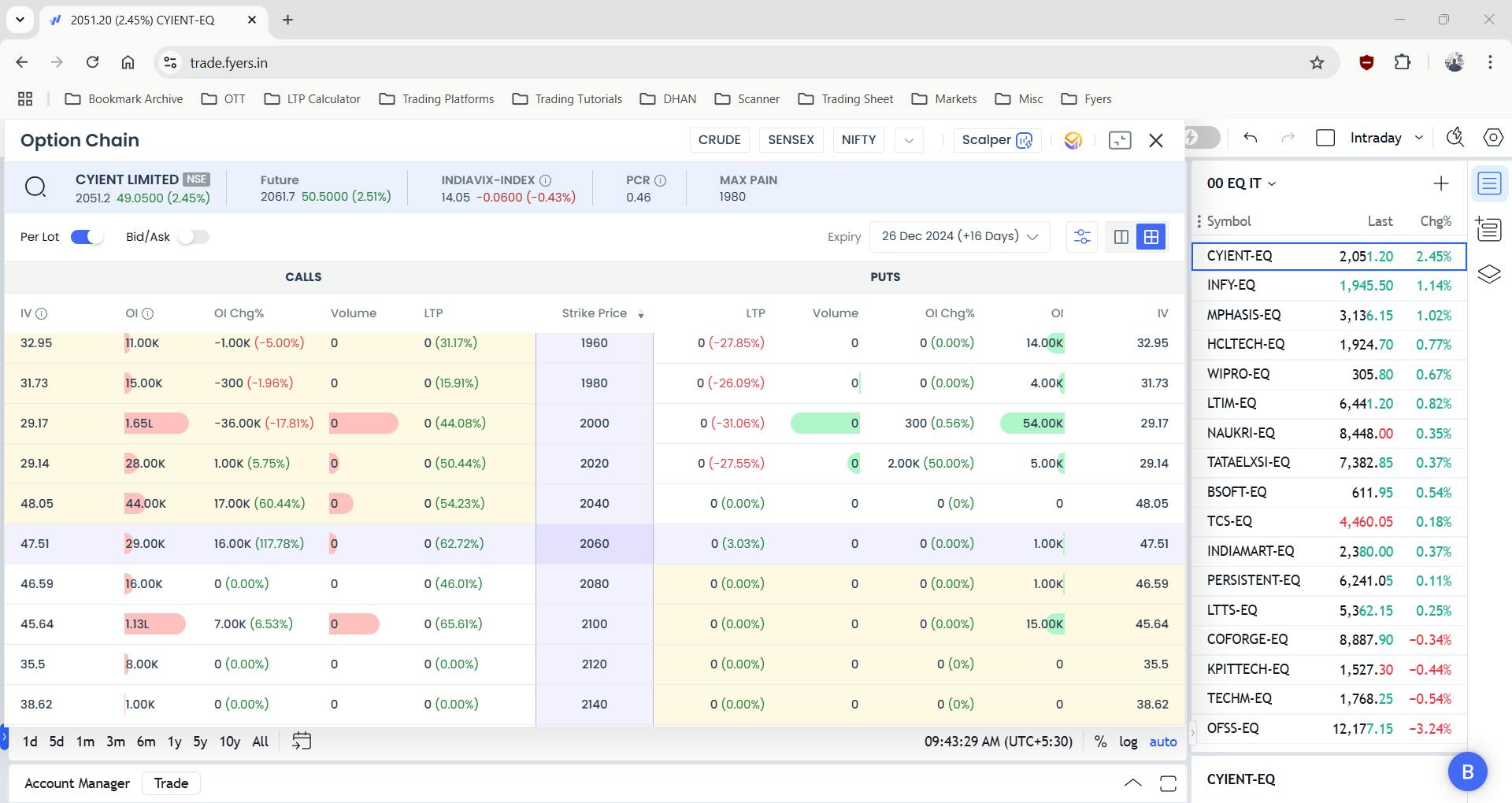
Hi @g.k.rai.cqi7asl2, that’s concerning to hear. Could you please elaborate on your concerns in detail so that I can assist you with it?
Good align the screen to OI data.
because of hiding the price chart. It is just a suggestion good to have compact and align it.
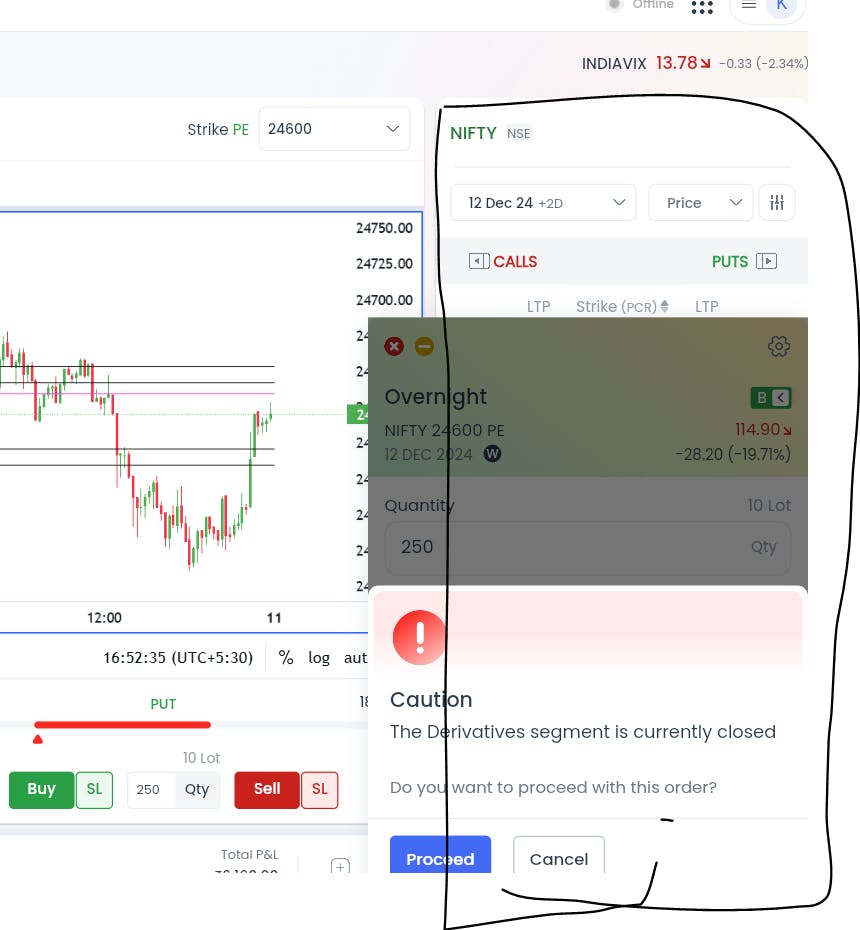
please care to look at screenshot you will understand. if you are serious you wont need further elaboration
1 Like
If you see my screenshot attached. order window overlapping to chart.. we should fix the alignment to oi data so that chart value must be visible and side order has more space
Everything are excellent except screen size and movable screen i.e index call put or index put call or call put index or put call index
Kindly do sir for better experience.
Thanks & Regards
Valuable Trader
1 Like
This is amazing feature but the layout needs improvement as it size is too small.
1 Like
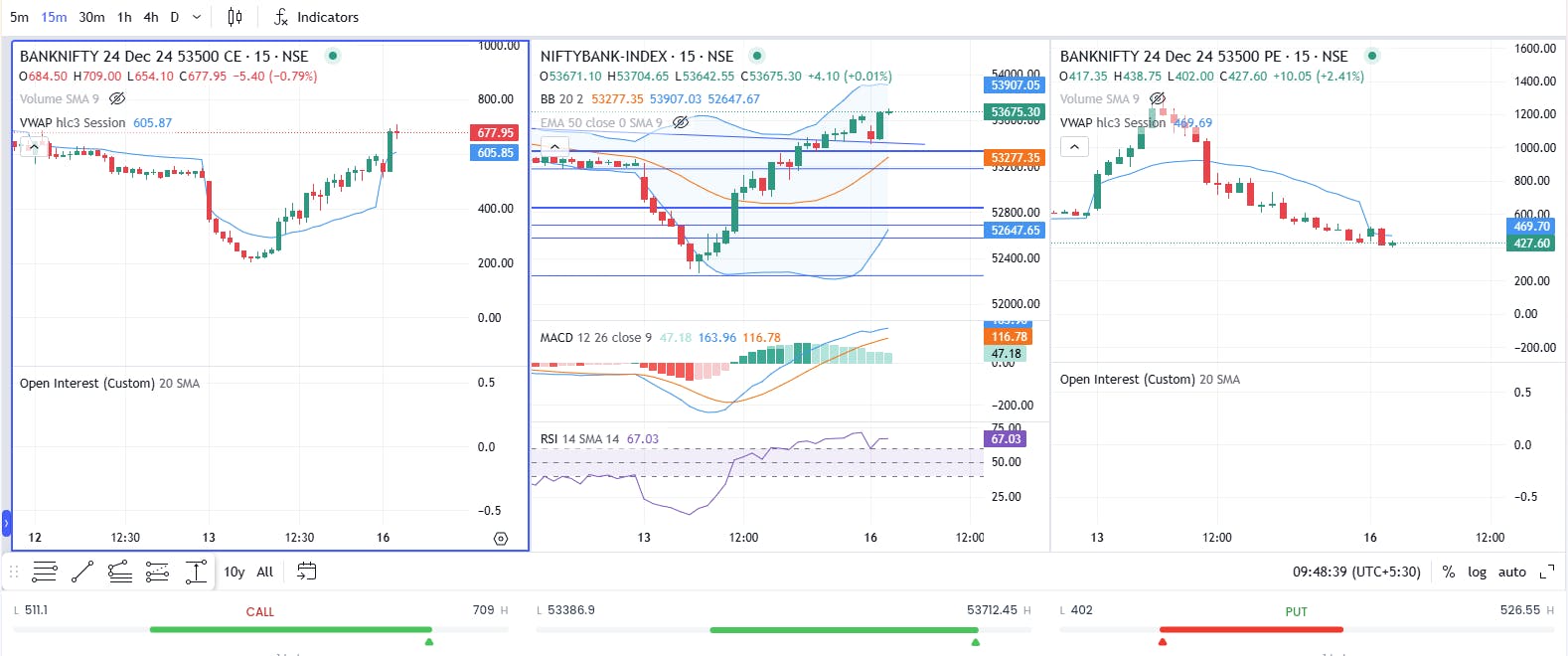
We’re aware of this issue as it stems from the current TradingView version. We’re in the process of updating to the latest version and will keep you informed.
Thank you for the appreciation! Yes, we heard you all, and we’re excited to announce that the full-screen mode for the Scalper Terminal is now live. Do check it out!
Thank you for your feedback! We’ve designed the layout based on user demand, but we’ll certainly consider this for future customization options.
Hi @chirag,
Yes, we heard you all, and we’re excited to announce that the full-screen mode & dark theme for the Scalper Terminal is now live. Do check it out!
1 Like
Hey @iXsYNBkdDu, We’re excited to announce that the full-screen mode for the Scalper Terminal is now live. Do check it out!
Hey, full-screen mode for the Scalper Terminal is now live. Do check it out!
Hi @104229157932394034180, the dark theme along with full-screen mode for the Scalper Terminal is now live. Do check it out!
Hi,
We heard you all, and we’re excited to announce that the dark theme & full-screen mode for the Scalper Terminal is now live. Do check it out!
2 Likes