Lakhs of traders use TradingView for charting and market analysis. Over time, it often becomes more than just a place to look at charts. Your watchlists, layouts, alerts, indicators, drawings and, in some cases, custom Pine Scripts become part of how you analyse the market every day.
We were the first stockbroker in India to integrate TradingView charts into our platform. We did it because we could already see charts becoming an increasingly important part of how active traders analyse and trade the markets.
That is why the recent change to NSE market data on TradingView matters. TradingView currently lists its free NSE market data as delayed by 15 minutes.
For an active trader, the impact goes beyond seeing a delayed price. The candles, indicators and alerts you rely on are all based on the data feeding the chart. If TradingView is an important part of your trading workflow, there are three ways you can continue accessing real-time market data through FYERS.
Option 1 - Within TradingView.com
If TradingView is already where you are most comfortable, you do not have to move away from it.
Go to TradingView, select FYERS as your broker and log in with your FYERS account. Once connected, you can continue using TradingView with real-time market data through FYERS and place trades directly from TradingView.
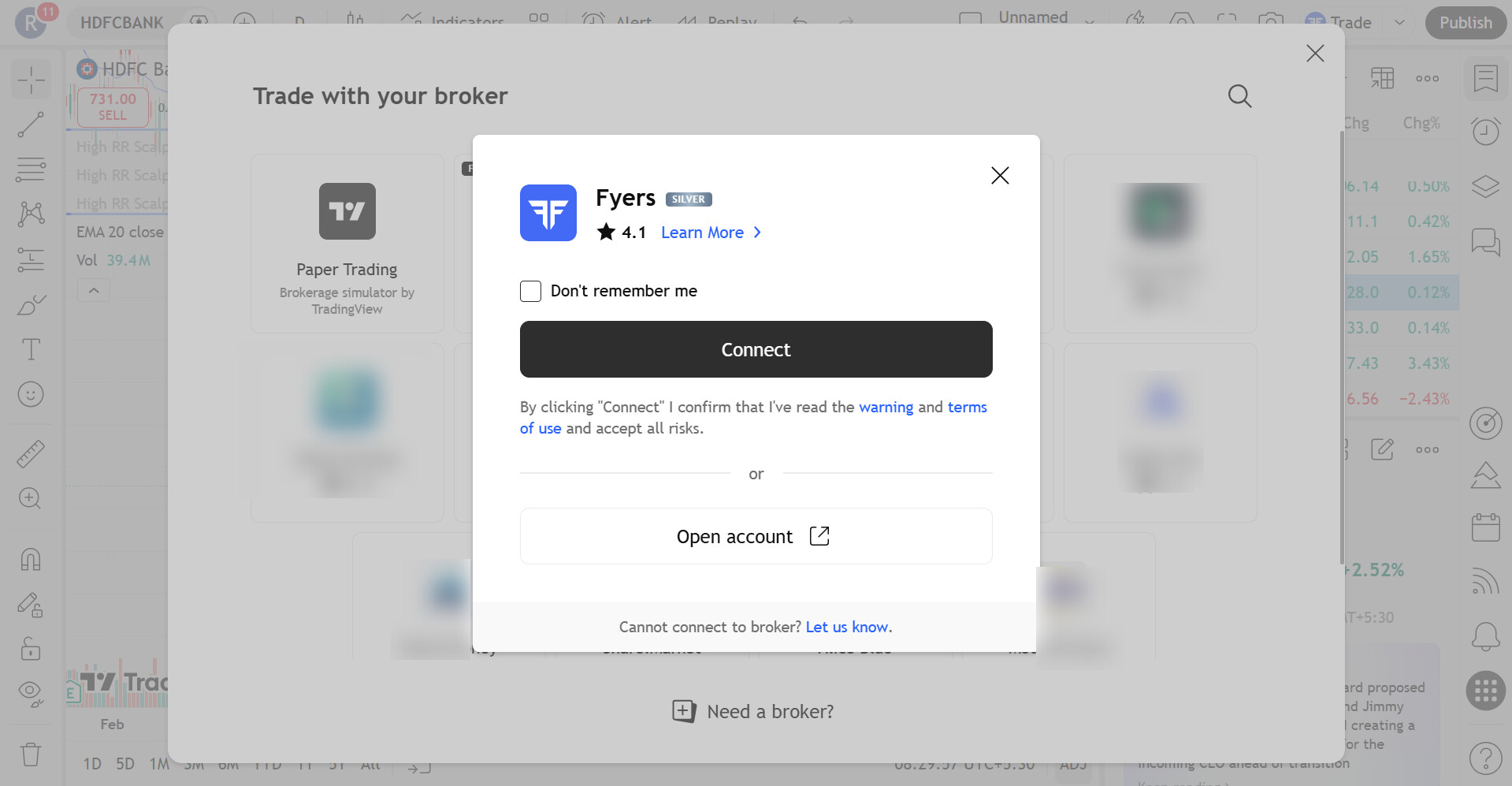
This may be the simplest option if you already have your TradingView setup exactly the way you want it, including your watchlists, layouts, alerts, indicators and custom scripts.
Option 2 - Tradingview Workflow on FYERS Trader
Another option is to use FYERS Trader (similar to TradingView) as your primary trading platform.
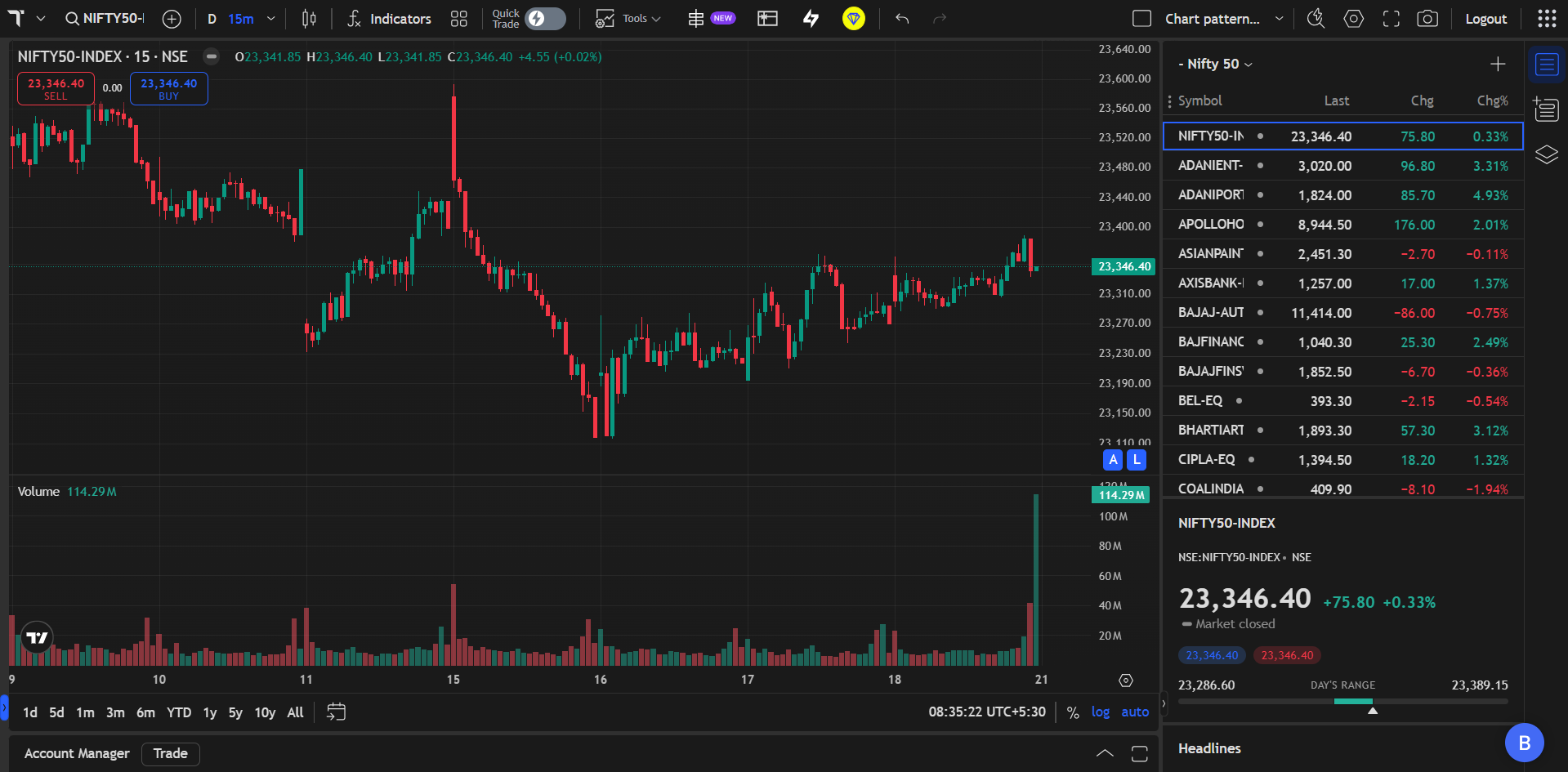
TradingView Charts are available within FYERS with real-time market data across NSE, BSE and MCX. This allows you to analyse the market and place trades from the same platform while continuing to use a charting experience you are already familiar with.
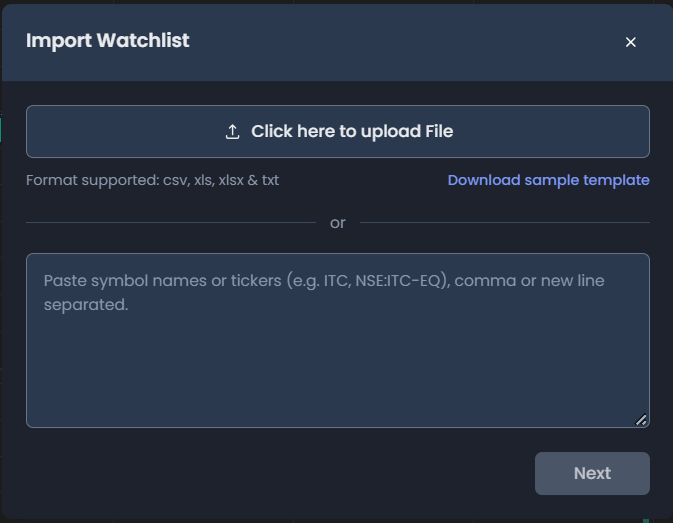
If you already have your watchlist in the supported formats, you can also import it into FYERS instead of adding the symbols again one by one.
Option 3 - Use FYERS Web
If you want more than just a charting interface, FYERS Web lets you use TradingView Charts as part of a broader trading workflow.
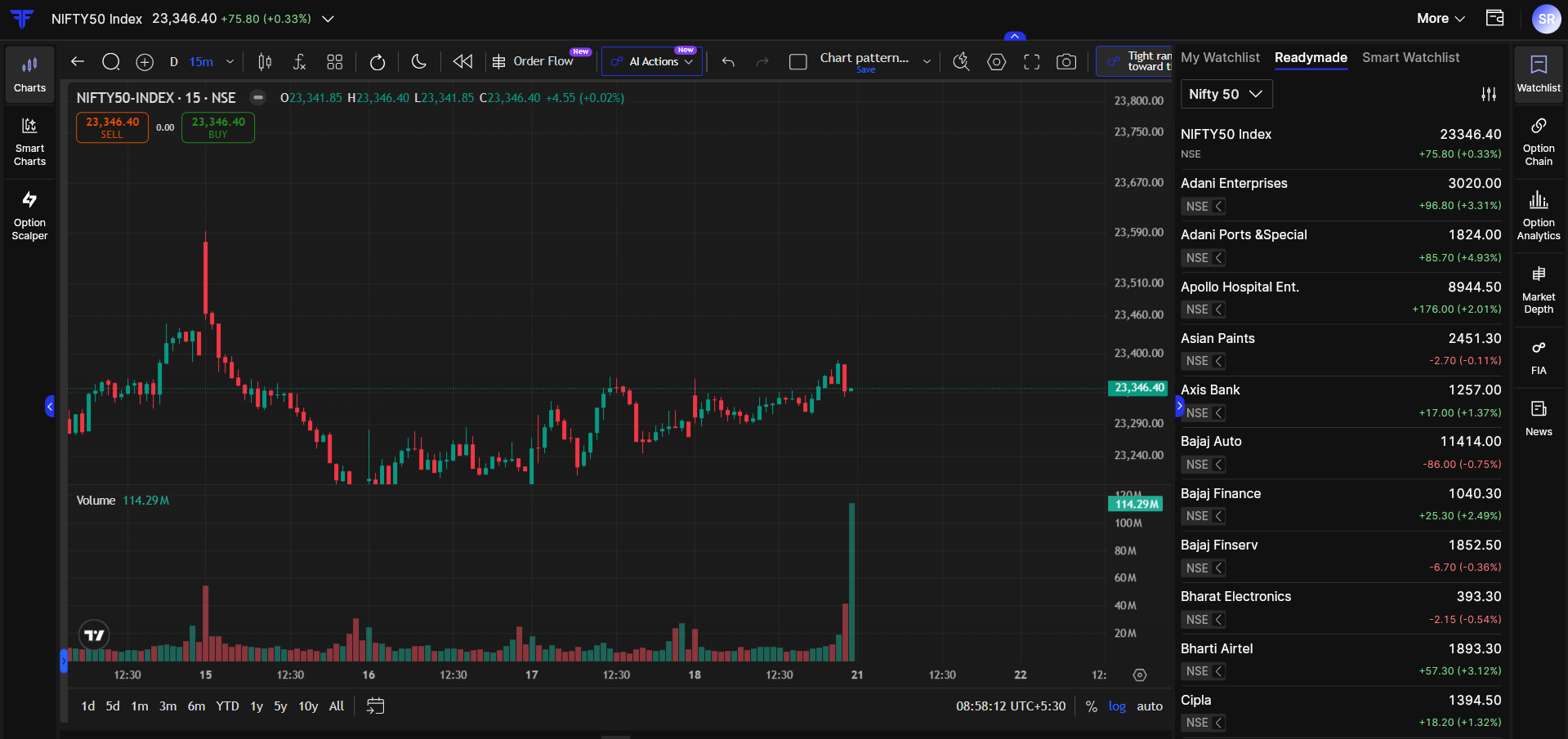
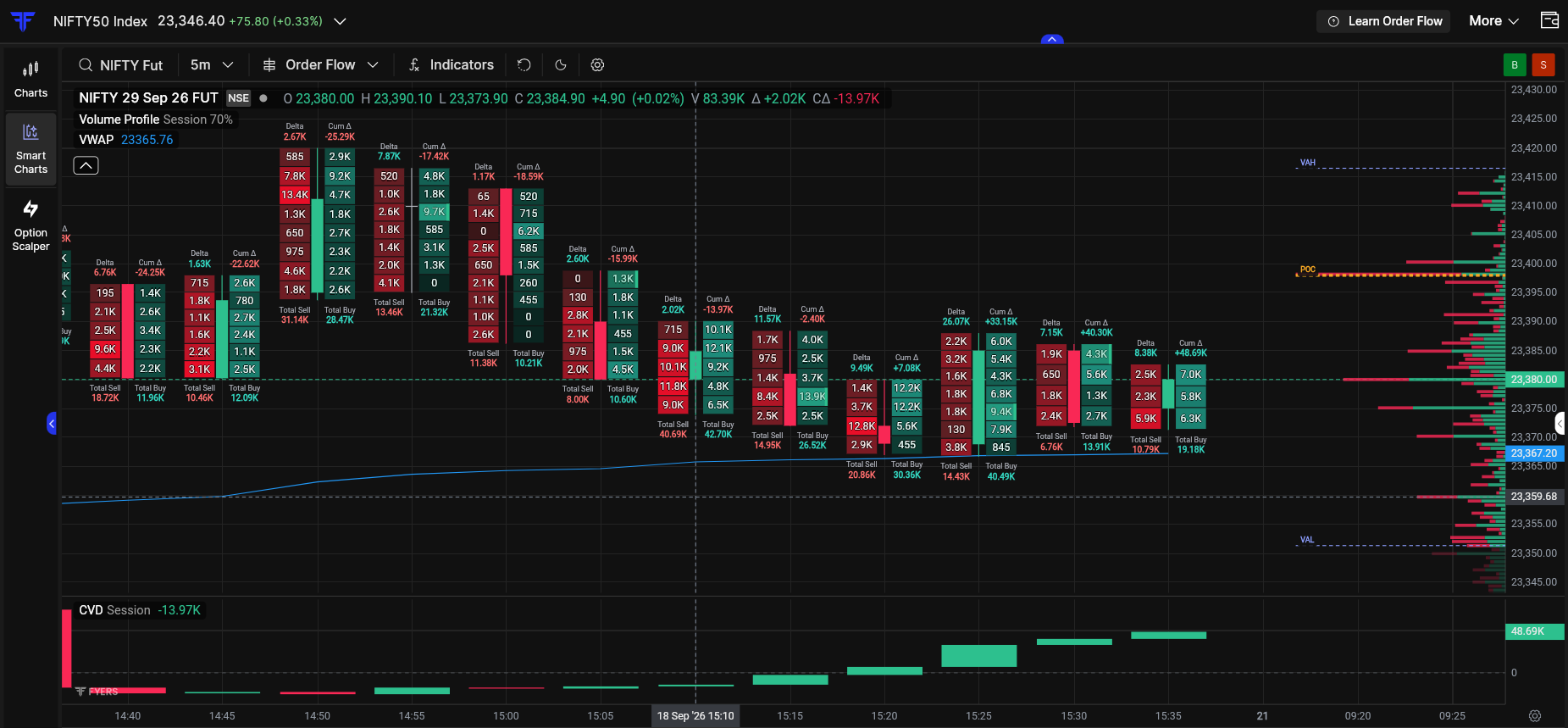
Alongside TradingView Charts, you also have Smart Charts, our in-house charting platform. Smart Charts gives us the flexibility to build capabilities specifically for active traders, including Order Flow, which helps you look deeper into the buying and selling activity within a candle using Delta, Cumulative Delta and Imbalances.
What Would You Still Miss From TradingView?
What I find more interesting about this development is what traders would still find difficult to leave behind on TradingView.
For some traders, it may be an indicator or Pine Script. For others, it could be an alert, a watchlist feature, a particular chart layout, a drawing tool or something completely different. Rather than assume we know what matters most, I would rather hear it directly from you.
If there is something you use on TradingView that you would also like to have on FYERS, tell us in the comments.


 its a open challenge to any broker