Hi,
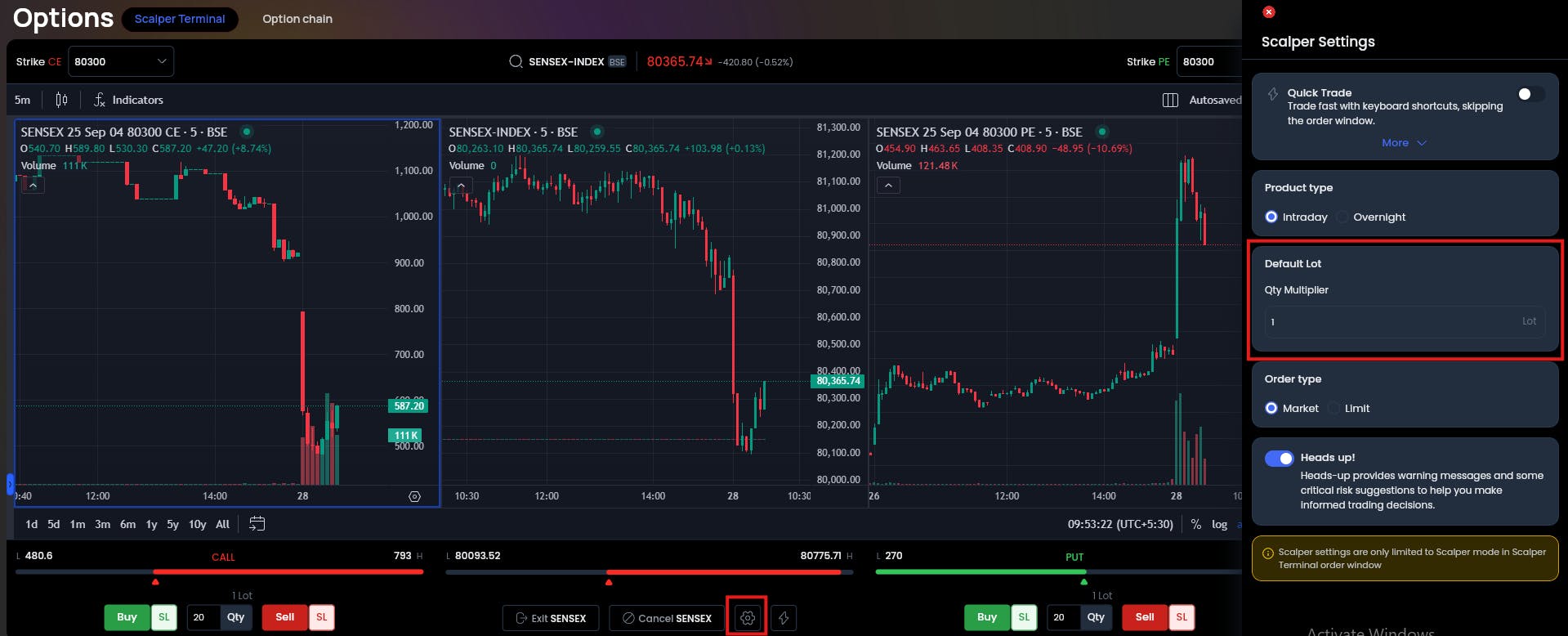
How to set default Lot sizes for Nifty and Stock options. default showing 1 lot if i wanted toplace 2 orders every time, how to set default setting . can you share screen shot or Vedio link. I checked Smart order lot sizing it’s not working.
Thanks,
Anil
Hello @anil.desai28-rru, You can set default lot sizes as per your preference using the Scalper Terminal.
For more details you can visit the Scalper Terminal article.