Dear Team,
I would like to import stocks list file from local machine to fyers web portal how this can be done kindly let me know.
What should be the format of the file, what should be rows and column , how much stocks max. etc
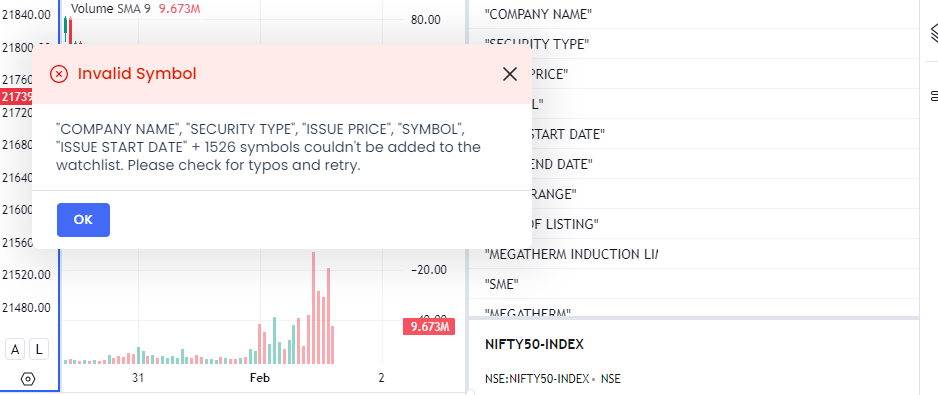
I have attached error screenshot while importing file as well which I tried to import and file is csv format FYI
Hi @115392732954889875408 I recommend exporting the watchlist and importing it in the same format. You can add up to 51 scrips in one watchlist and have unlimited watchlists.
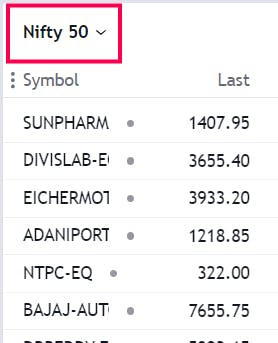
How I can add stocks list in portal through import option can please guide to me
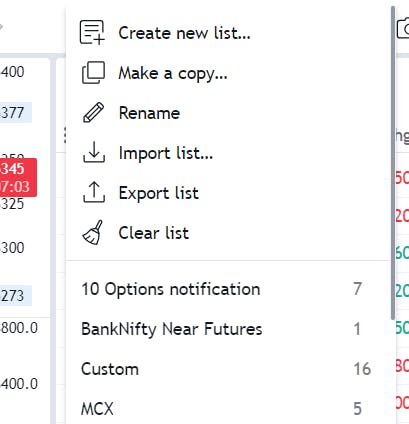
You will find the option in the dropdown menu. Please refer to the screenshot for guidance.