Thanks for acknowledging our efforts,@truefriendjn-o07!
@shubham_gandhi but it wont show opening and previous close values. Pls incorporate these as well
1 Like
If I want only call and put screen but not required mid nifty screen .. is it possible?? . .. if you make this would be helpful
1 Like
were i can see my charts
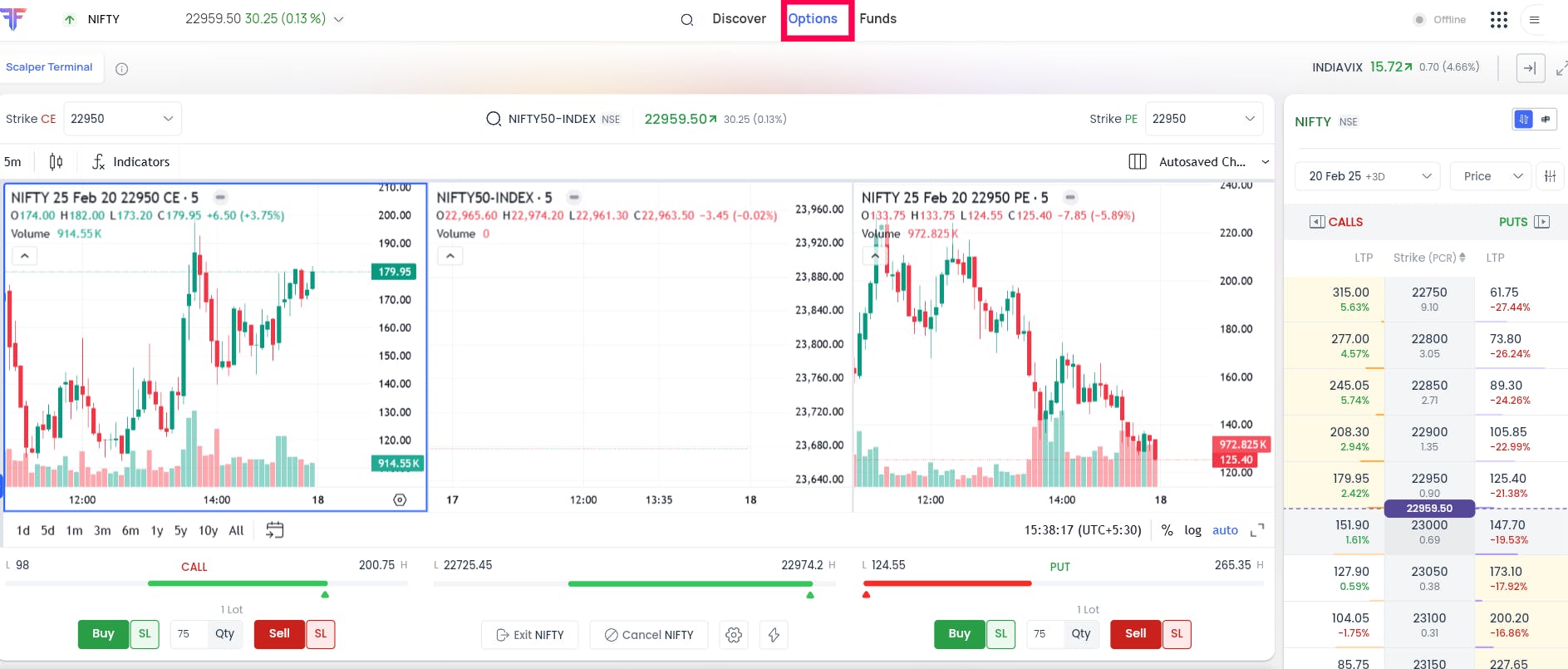
Hi @107716263048737295041, you can up to 3 charts in the options menu. For reference, I have attached the screenshot.
The terminal is wonderful! However it’s getting hung while trading, I just tried yesterday with 1 lot nifty puts. Any specific configuration needs to be updated?
1 Like
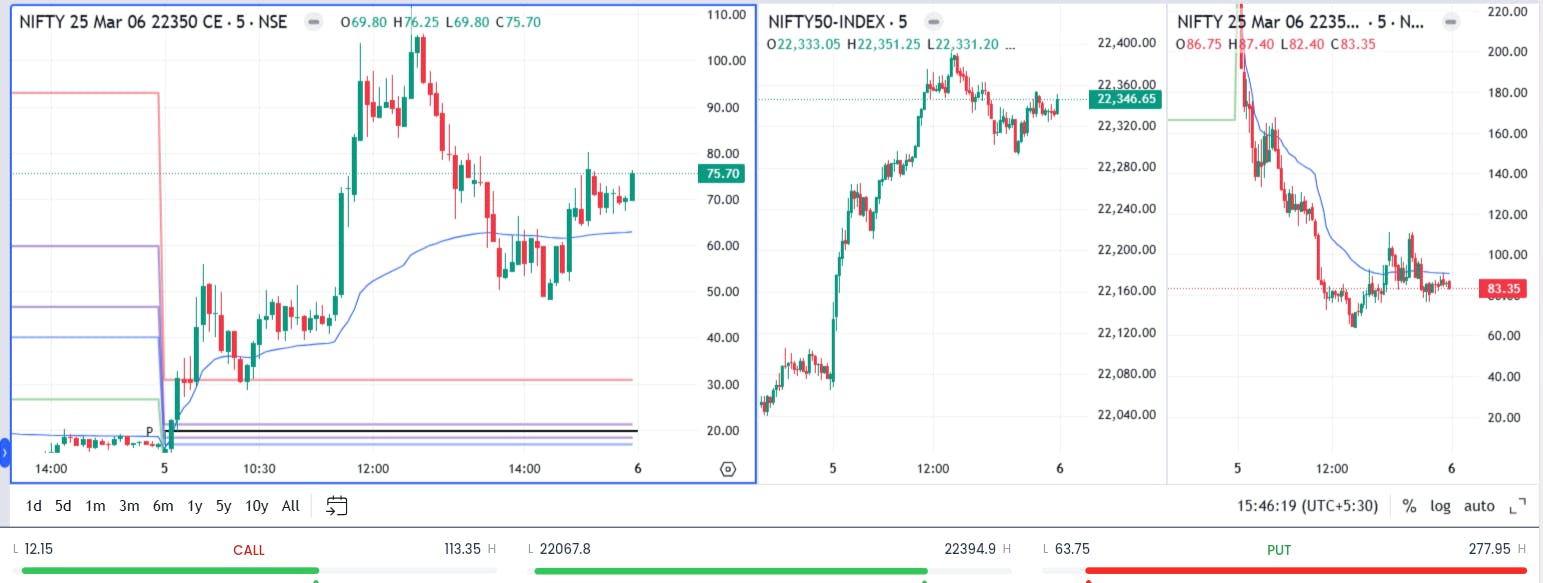
i don’t see any update on this.. mid chart is it anyway to disable or hide and show only option charts only call and put only
2 Likes
Hello Fyers Team,
Could you please add the watchlist option also in the scalper terminal . This will help us to quickly navigate among the watchlist scripts.
1 Like
i am facing problem regarding scalping terminal
plz help to solve issue
Can you insert the market time on the Scalper terminal somewhere on the top corner ? This timer can also be visible on all pages if possible. The time should have seconds also. This helps in not checking the time on the PC every time. It can also show if market is open or closed.
How to place SL , Target and Trailing SL in scalper terminal.
Hi @ca.ankitkansara-8nt, the SMC indicator is now live. Thanks for your interest, and we look forward to hearing your feedback.