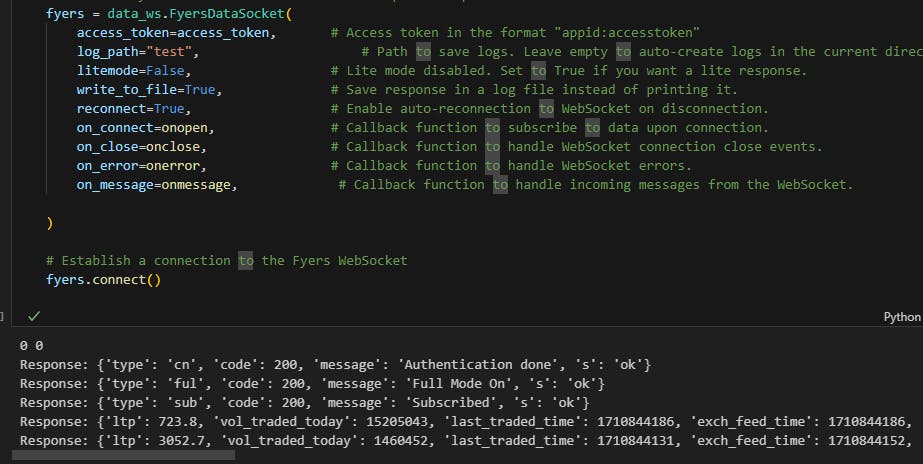
Hi, I am using fyers_apiv3 and I am trying to save the response from Websocket to the log file, but I am getting empty file all the time. I have tried with turning ‘write_to_file = True’ but is isn’t working. Any suggestions to save the responses?
I am providing a screenshot for reference. Thanks!
fyers = data_ws.FyersDataSocket(
    access_token=access_token,       # Access token in the format "appid:accesstoken"
    log_path="",                     # Path to save logs. Leave empty to auto-create logs in the current directory.
    litemode=True,                  # Lite mode disabled. Set to True if you want a lite response.
    write_to_file=True,              # Save response in a log file instead of printing it.
    reconnect=True,                  # Enable auto-reconnection to WebSocket on disconnection.
    on_connect=onopen,               # Callback function to subscribe to data upon connection.
    on_close=onclose,                # Callback function to handle WebSocket connection close events.
    on_error=onerror,                # Callback function to handle WebSocket errors.
    # on_message=onmessage             # Callback function to handle incoming messages from the WebSocket.
)
just remove or comment the on_message line, then it will be logged in debug file