If you track multiple stocks during market hours, you probably spend a lot of time switching between charts. You check one stock, go back to your watchlist, open another chart, and repeat.
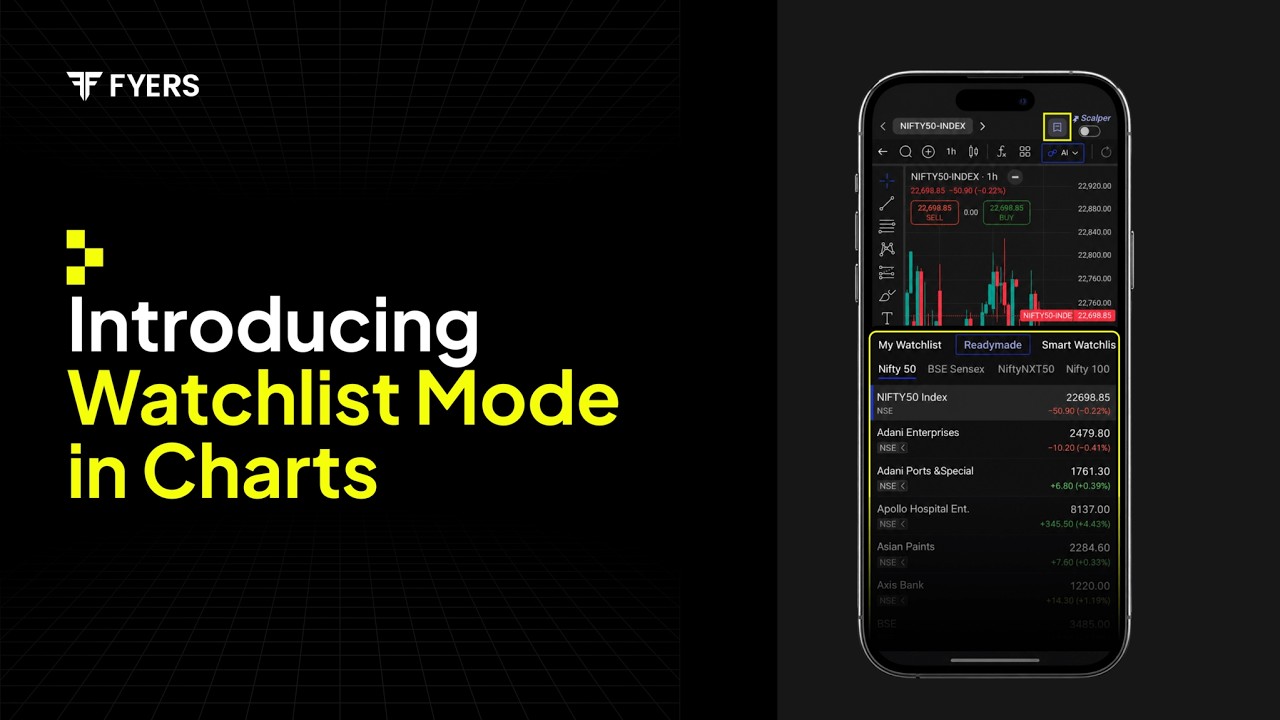
It’s a small task, but doing it several times throughout the day can interrupt your analysis. To make this easier, we have introduced Watchlist Mode on the FYERS App. It lets you move between charts of stocks and indices directly from the chart screen.
Move Between Charts with Just a Tap
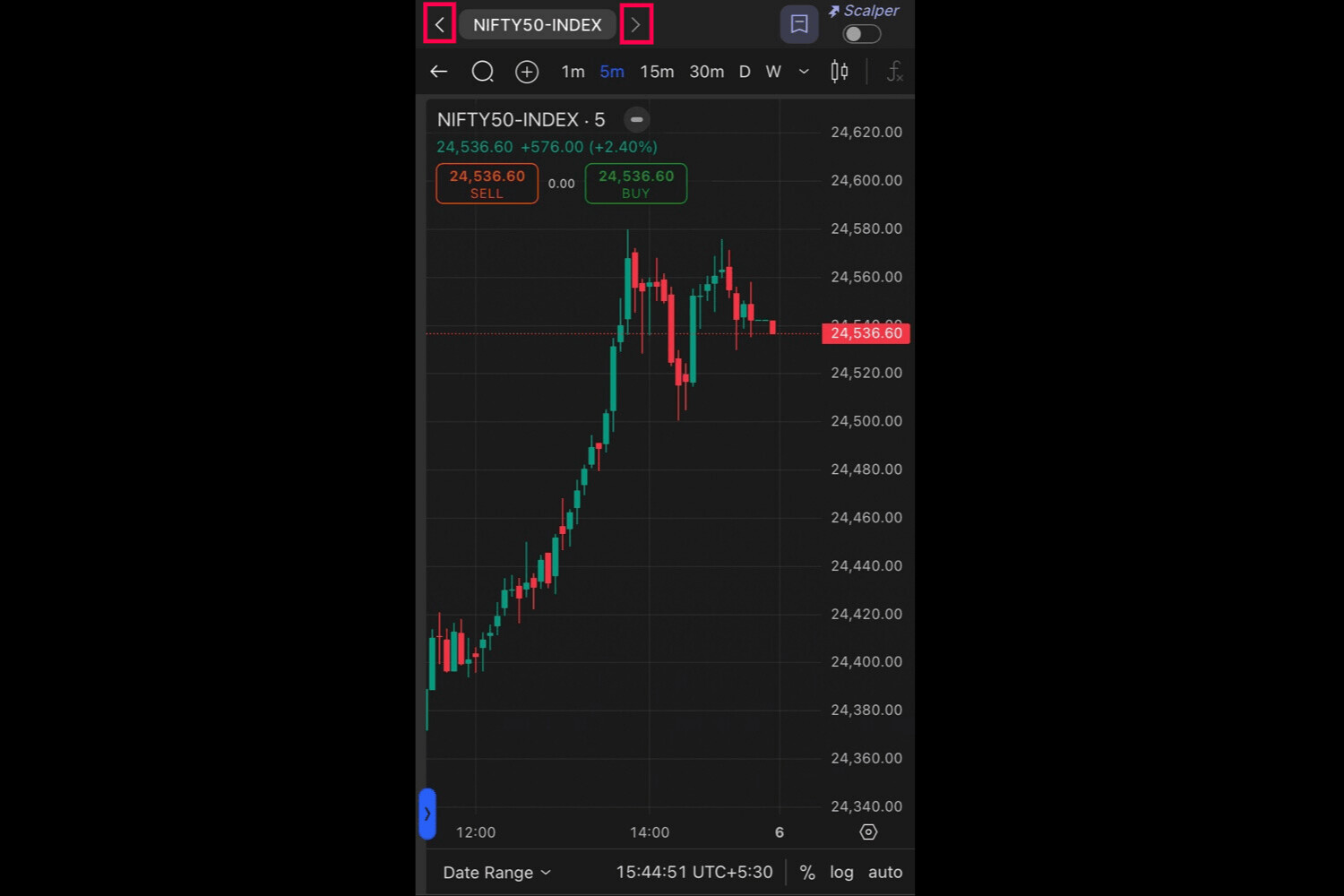
With Watchlist Mode, you can access your existing and readymade watchlists while viewing charts. Simply select a watchlist and use the navigation arrows to move from one symbol to the next.
Let’s say you’re tracking 15 stocks during the first 30 minutes of trading. You want to see which ones are approaching important price levels or showing interesting chart patterns.
Instead of opening each chart separately, you can move through your watchlist using the navigation arrows. This makes it easier to review price movements and compare trading setups without interrupting your analysis.
A Small Change to Make Chart Analysis Easier
Switching between charts is something many traders do throughout the day. We wanted When you’re actively following the market, even small improvements to how you navigate the platform can make a difference.
That’s the thinking behind Watchlist Mode. We want to make the tasks you regularly perform easier, so you can spend more time focusing on the market.
Watchlist Mode is now available on the FYERS App. Try it with your watchlists and let us know what you think.