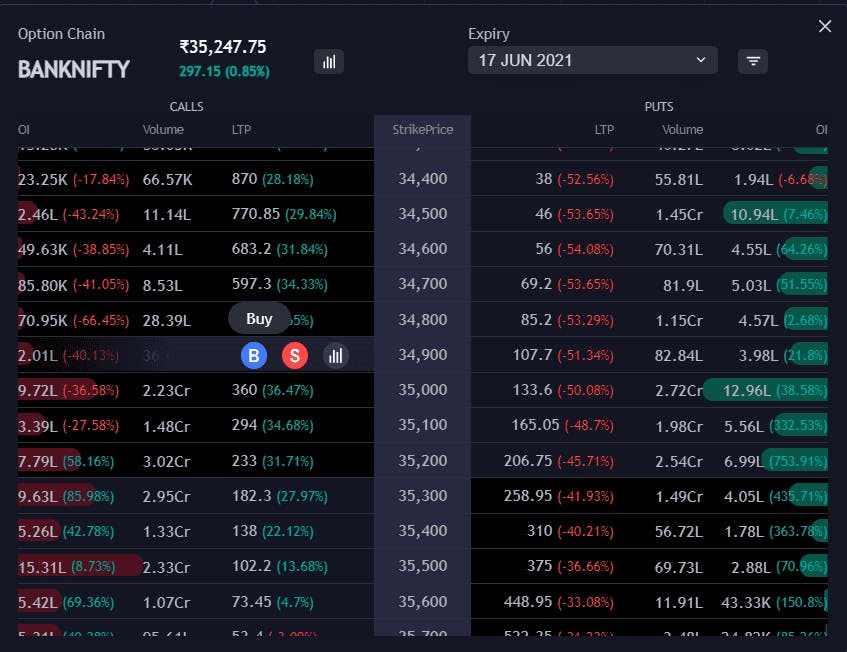
The Options Chain tool is implemented on FYERS Web! This was supposed to be done around the time when it was introduced on the app but It took us a little extra while to roll out this feature as some of our web developers were down with Covid. We thank & appreciate you for your patience.
Our Options Chain tool has the following features:
You can access the Options Chain of any F&O symbol from the ‘Right-Click Menu’.
Select up to 30 strike prices above & below the LTP of the underlying symbol.
You can choose to view/hide Strikes with Zero Volume & Open Interest (OI).
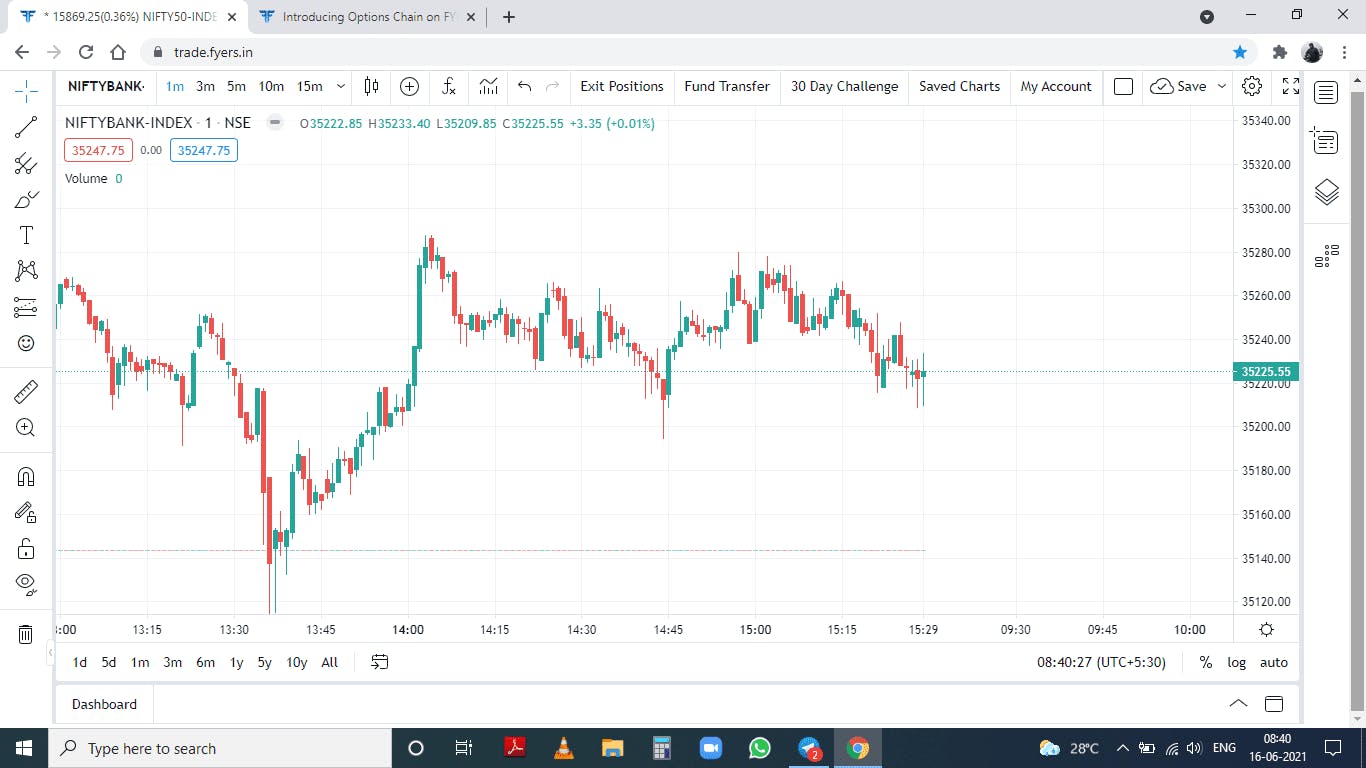
View the underlying symbol’s chart by clicking on the Chart Icon beside the symbol on the Options chain as shown below.
You can BUY & SELL any options contract directly without adding them to your watchlist.
You can also open the options contract chart by clicking on the chart icon.
You can also unselect the volumes column (Be mindful of liquidity).
It will be helpful, if you can make OTM strikes background color little more differentiating than ITM strikes. there is not much difference at present.
Hi @tejas_khoday@P5riXHjRDF Quick Buy Sell is being executed Intraday as Default, Any Solution for this to be executed as a Margin order. Ticket raised. #506753