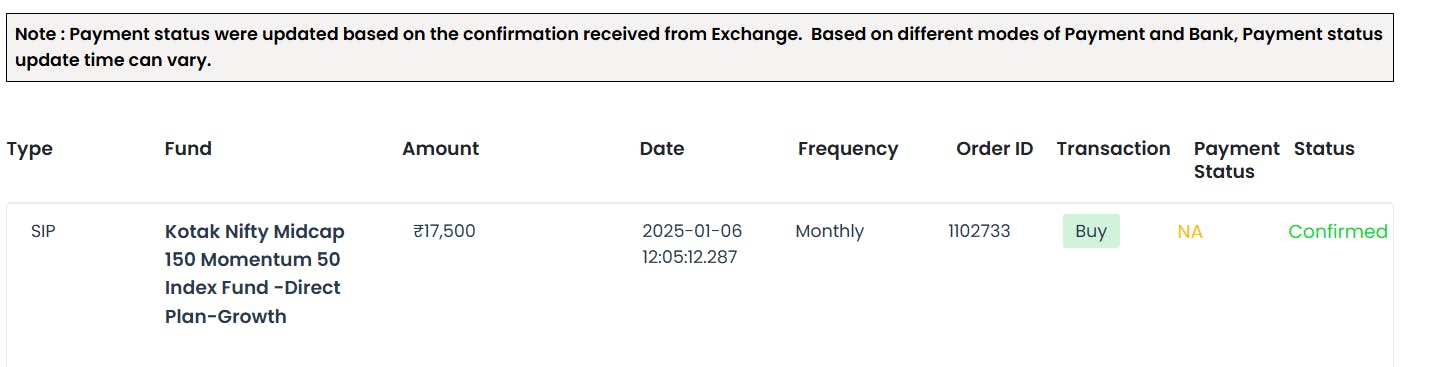
I accidentally placed an order for a mutual fund through SIP on Fyers, which I don’t intend to purchase. How can I cancel the order? I can’t find an option to do so.
Hi @cdkygvGuov, To cancel an SIP kindly follow steps below:
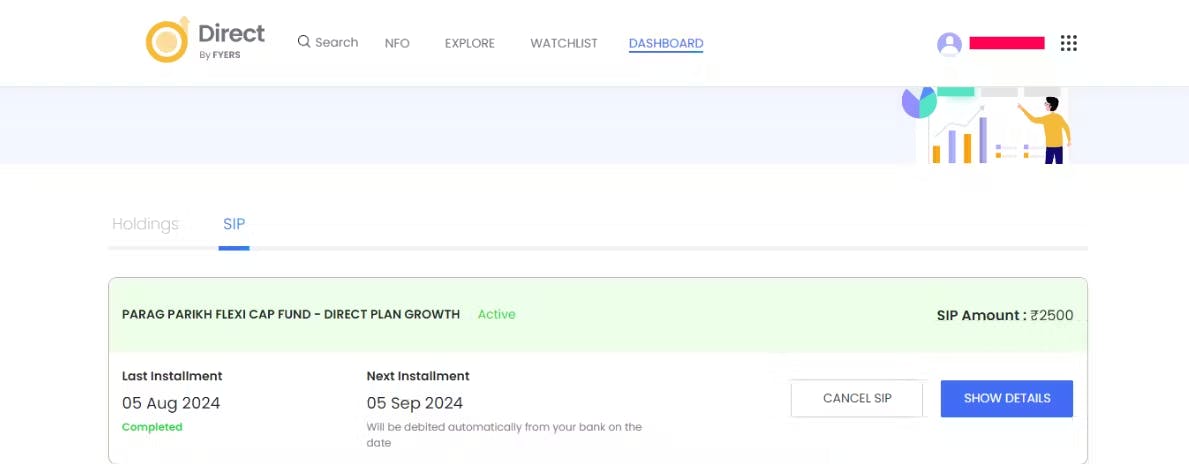
- Log in to Fyers Direct using your credentials.
- Navigate to the Dashboard section from the main menu.
- Click on the SIP tab to view your active SIPs.
- Locate the SIP you want to cancel.
- Click on the “Cancel SIP” button below the SIP details.
- Confirm your action in the prompt that appears to complete the cancellation process. For reference I have attached the screenshot below.

Could you please DM me your client id?