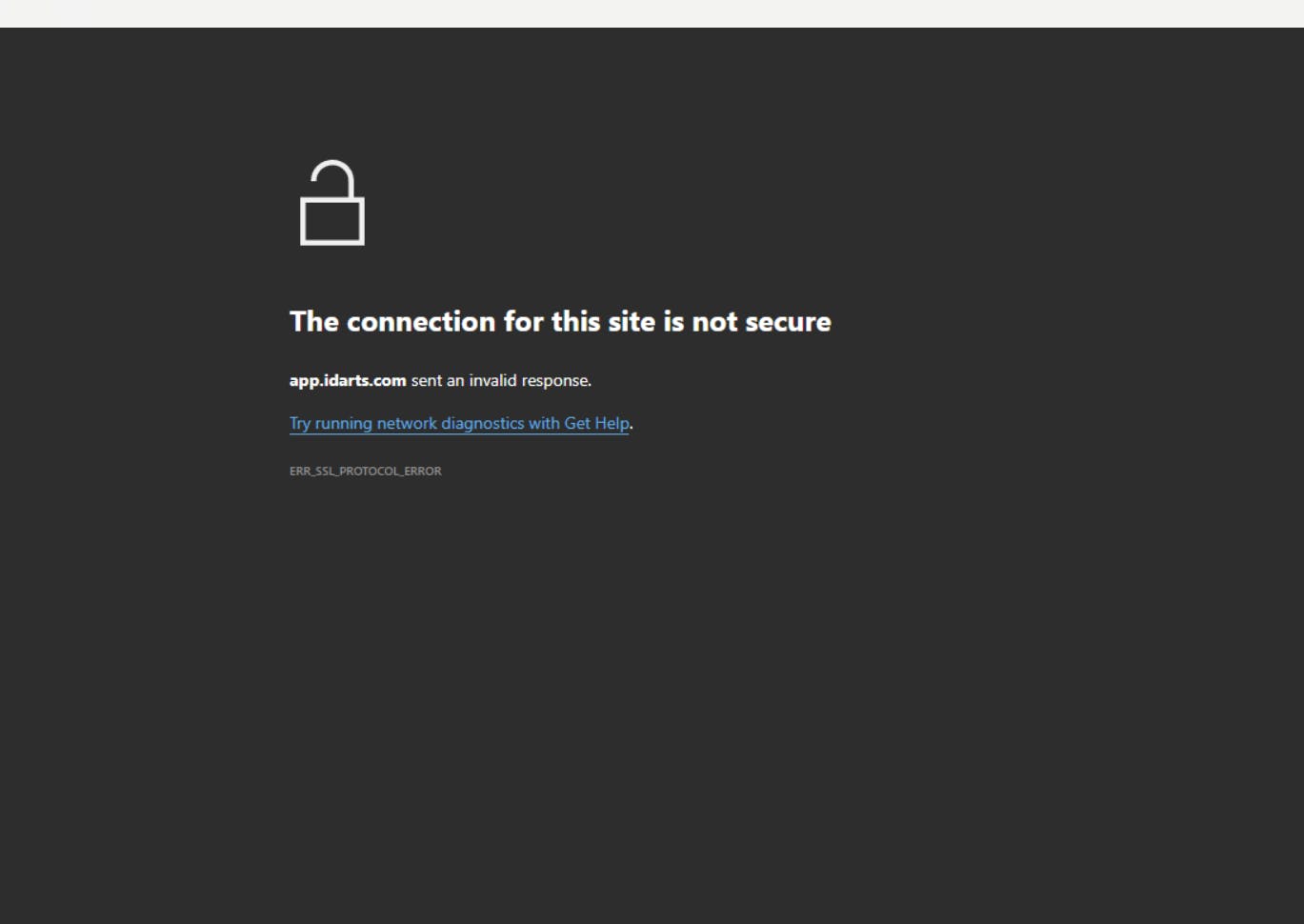
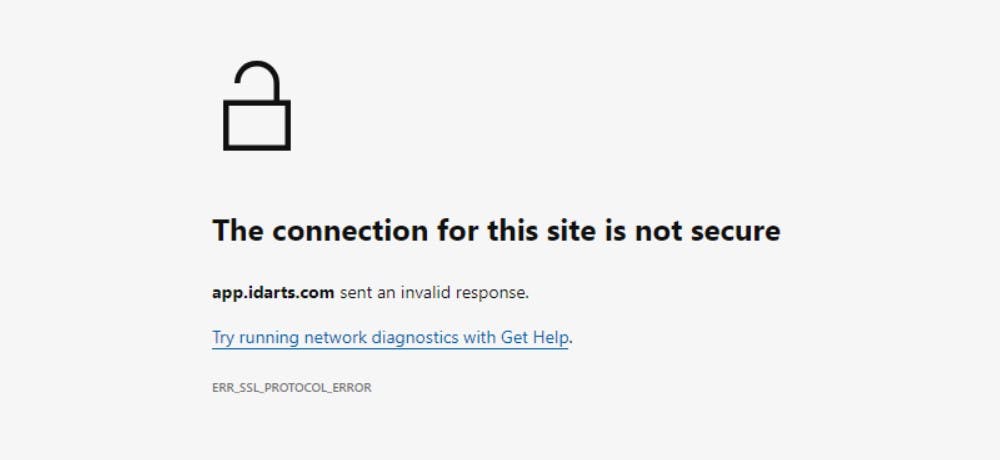
When I try to login after entering the credentials, I am getting following SSL error.
Please find the screenshot below. Please help me to resolve the issue.
Could you please send an email to [email protected] from your registered email id and include the above screenshot of the issue? This will help us to thoroughly investigate your issue for further assistance.
@mainak_dutta, As requested, please raise a ticket at [email protected] so that we can thoroughly investigate and assist you with your issue.
This is resolved immediately after I called your customer service support & I am amazed how well I am guided. Worth praising indeed.
In my case it’s a SSL protocol error conflict with Windows 11 after when Fyers One latest version update was released & installed yesterday evening. The solution is a regular uninstall & reinstall process of Fyers One that resolved the issue very quickly. The following guidelines may help fellow traders with similar error.
Control panel > Programs & features > Fyers One > Uninstall
Windows+R > Run > %appdata% > DS folder > Delete
Fyers One installed drive > Fyers One folder > Delete
Download Fyers One Exe > Right click > Run as administrator > Install other than in C: drive
Launch Fyers One > Reconfigure & customize it to preferred settings
Thank you. Happy trading!
Thanks for the update. Happy Trading!
Bro its working Thankyou
this happened to me a few days back. it was happening to me for many other sites such as Twitter and Outlook. The issue was poor network connectivity I was using Vi 4G which is too bad. After refreshing several times i would get to see the site.
fyers one not working for my computer