error while placing arder

trade= {

"symbol": sym,

"qty": quantity,

"type":2,

"side":1,

"productType":" INTRADAY ",

"limitPrice": 0,

"stopPrice": 0,

"validity":"DAY",

"disclosedQty":0,

"offlineOrder": False

}

orresponse = fyers.place_order(data=trade)

print(orresponse)

i am getting this error plz help me

 Cell In[10], line 44
    trade= {
    ^
IndentationError: unexpected indent

Check whether you might have put more / less spaces before the trade statement block (line 44 of your code). Proper Indentation is mandatory in Python.

Check with a good code editor that will auto-highlight the indentation issue.

Hey @110460968645734278979

This is because of the code formatting , please check .

Expected expressionPylance errror in else letter

which is good

code editor

Right click on your Jupyter Notebook cell in VS Code and select “Format Cell”.
Go through your code now and check for indentation (space alignments over all code blocks).

Here, general structure of if-else block should be as follows -
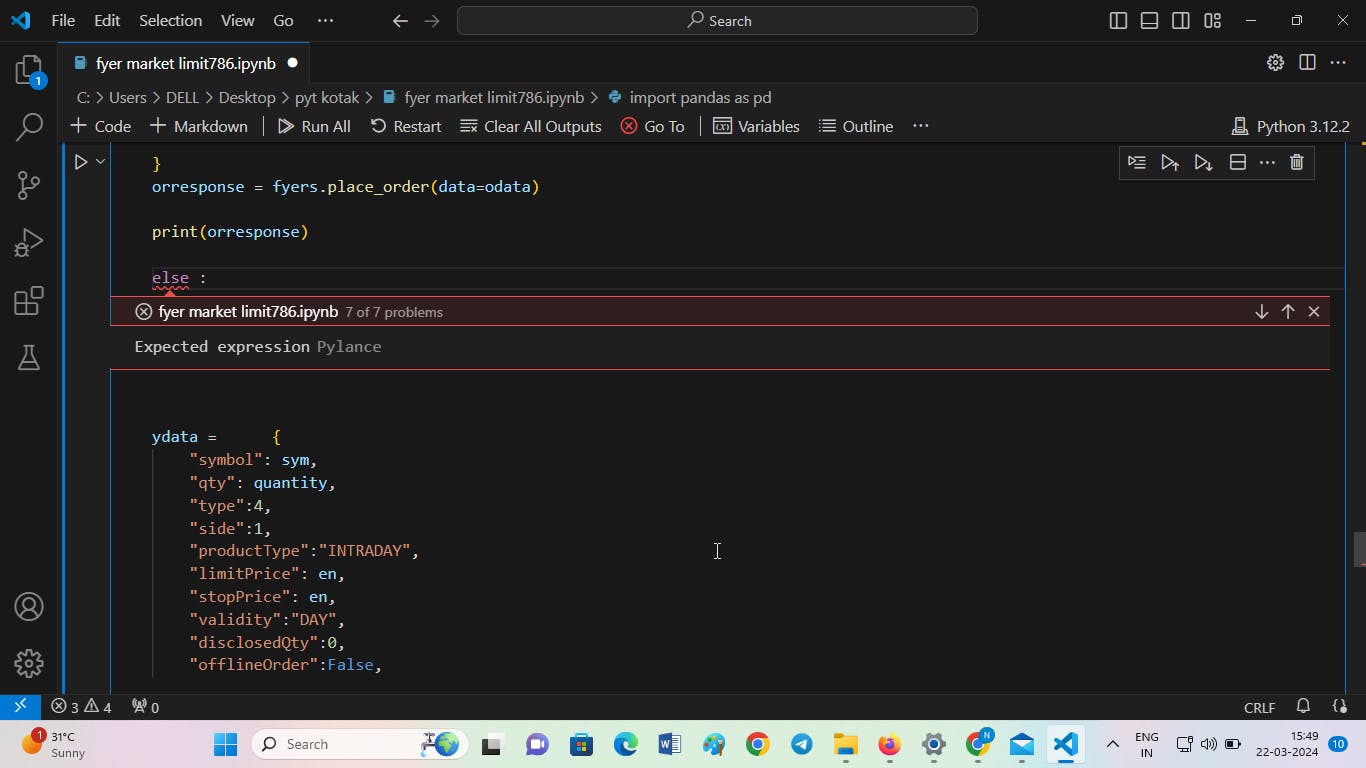
if(some_conditional_check):
    codeblock_1_line_1
    codeblock_1_line_2
    codeblock_1_line_3
else:
    codeblock_2_line_1
    codeblock_2_line_2
    codeblock_2_line_3