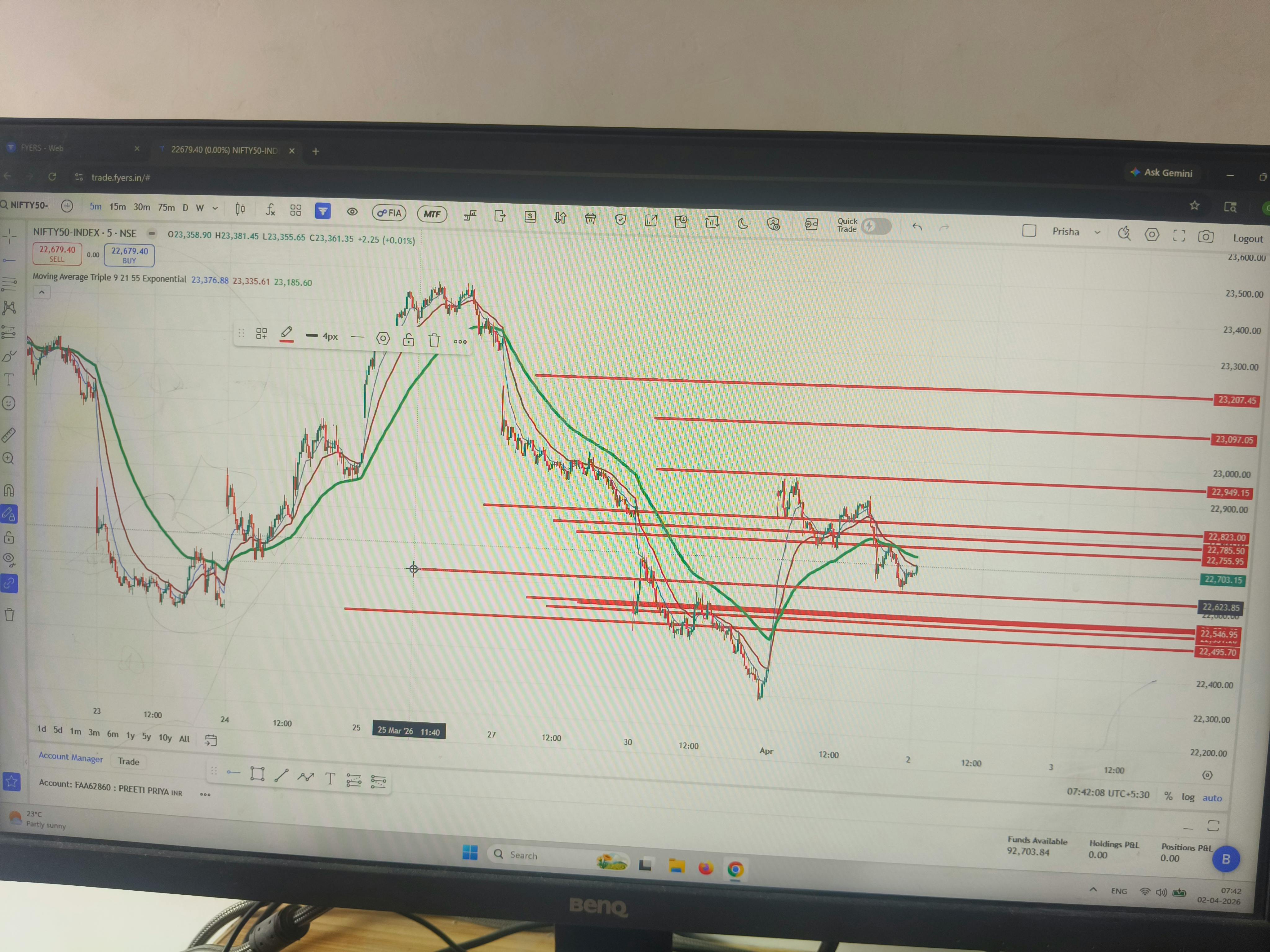
It is consistently seen that drawing on showing a very annoying bug chart on fyres web. When you select horizontal line draw on chart it remains selected always. Every time you click on chart there will be new line drawn. Kindly resolve this for smoother drawing and charting experience. If any tool is selected it remains always selected if you only click it will draw every time a line or trendline which you will select. Whereas it should be drawn only once after one time selection
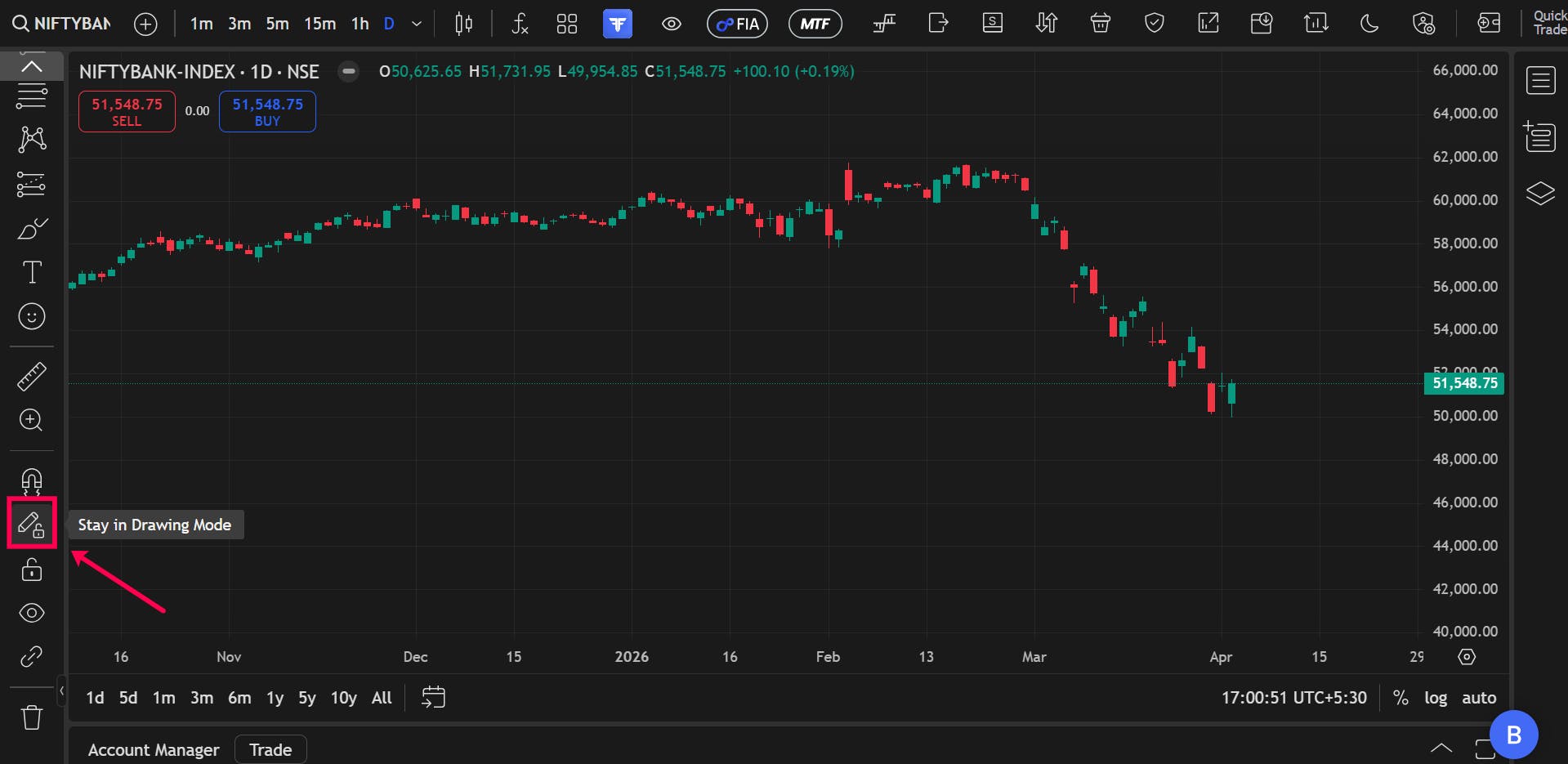
As seen in the screenshot, the “Stay in Drawing Mode” option is currently enabled. Please click on the same icon to disable it. Once turned off, your drawings will behave as normal.
For an example if you select to draw horizontal line, if once selected it behaves always selected till when you don’t refresh the page. This bug is on each platform mobile to web. Kindly once check. It is still there. I have checked as per your guidance no improvement seen