


In a market with thousands of instruments across stocks, derivatives, commodities, and ETFs, each with hundreds of data points changing every second, finding the right trade at the right time isn't easy.
Screeners make that easier. They filter the entire market in real-time based on specific criteria and hand you a focused list of opportunities worth looking at. Instead of manually going through hundreds of stocks every day, you get straight to the ones that matter.
https://www.youtube.com/watch?v=KoaFje9nRxk
On FYERS, we've built over 130 screeners across 11 categories. Here's what each one is for and how to get the most out of them.
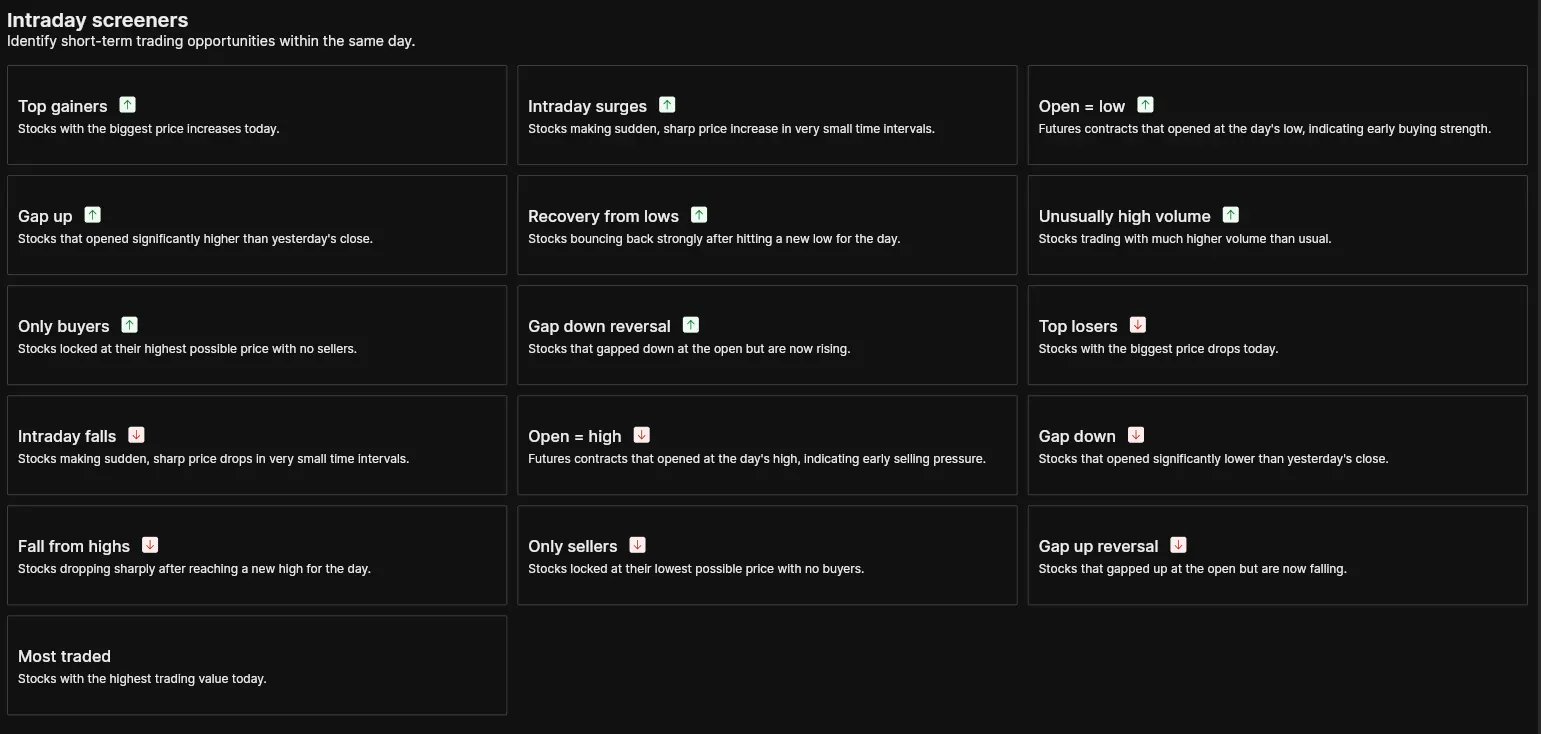
If you trade within the session, this is where you'll spend most of your time. Screeners like Intraday Surges, Gap Up, Gap Down Reversal, and Recovery from Lows help you stay on top of what's moving and why, as it happens.
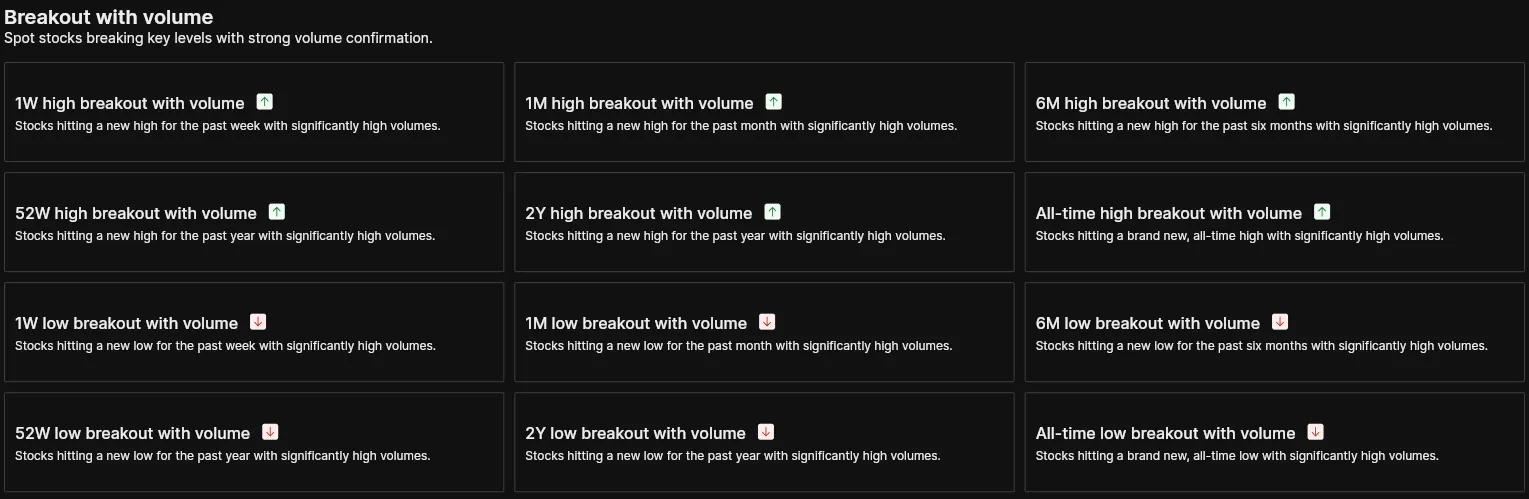
A breakout without volume is often a false signal. This category filters stocks hitting new highs or lows across multiple timeframes, from one week to all-time, with strong volume behind the move confirming it.
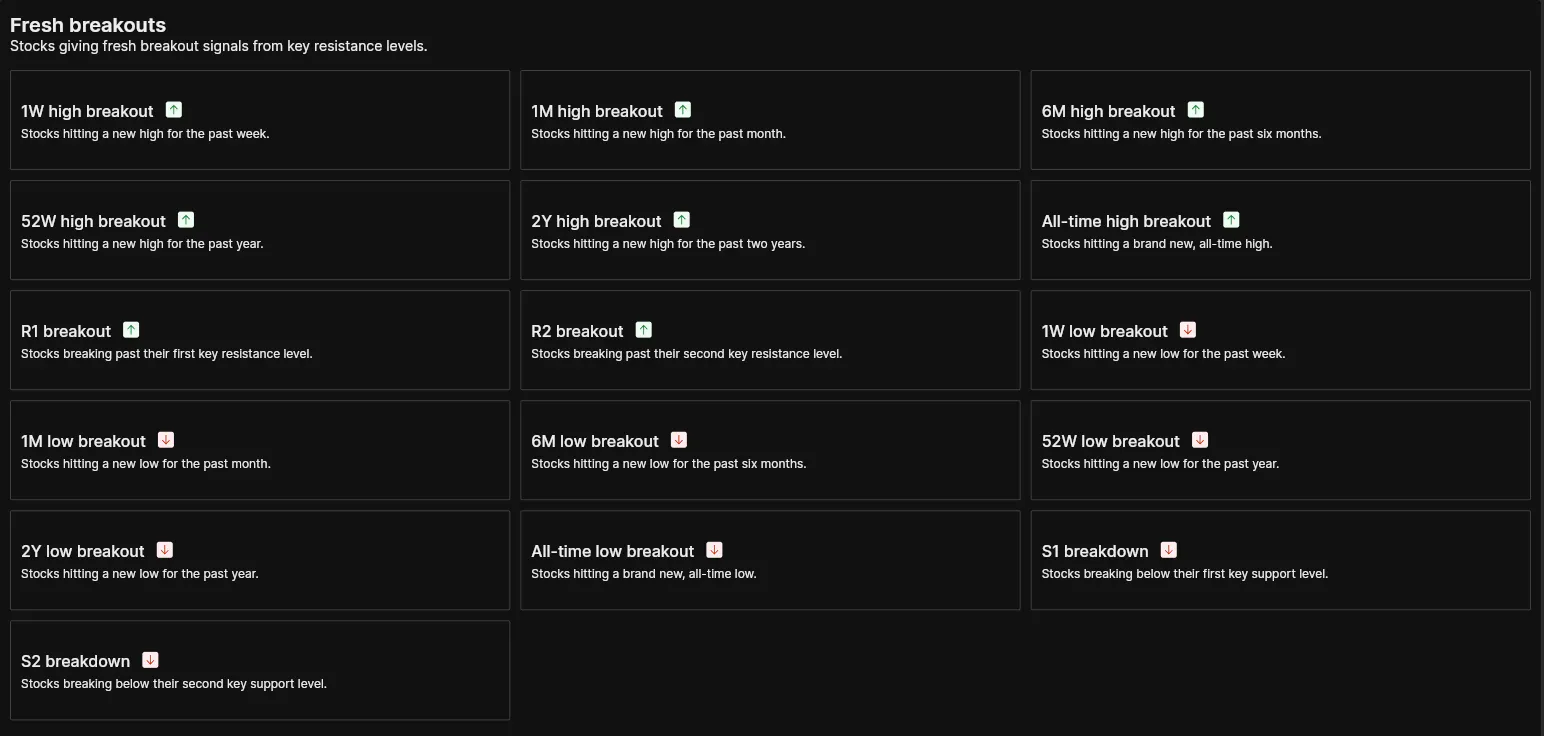
Stocks giving fresh breakout signals from key resistance levels, or breaking down from key support levels. Useful when you want to catch a move as it begins rather than after it's already run.
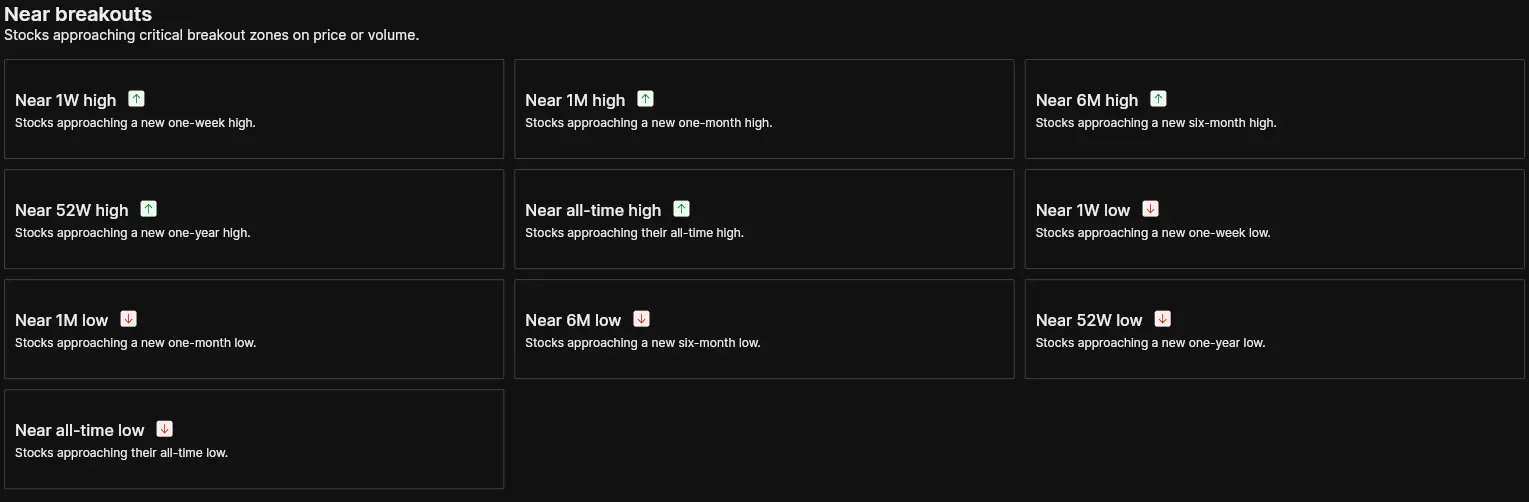
Sometimes the better opportunity is spotting a stock before it breaks out. This category shows you stocks approaching critical price zones, giving you time to prepare before the move happens.
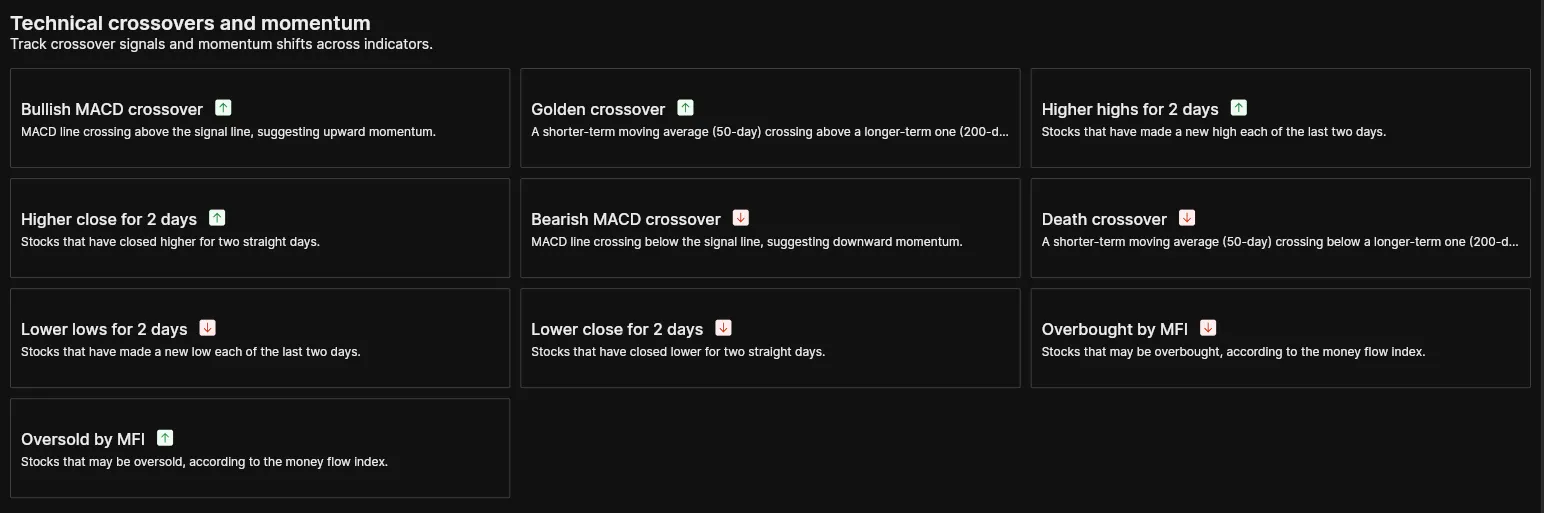
Covers indicator-based signals like Golden Crossover, Bullish MACD Crossover, and Overbought by MFI. Screeners that help you track momentum shifts and trend changes as they develop.
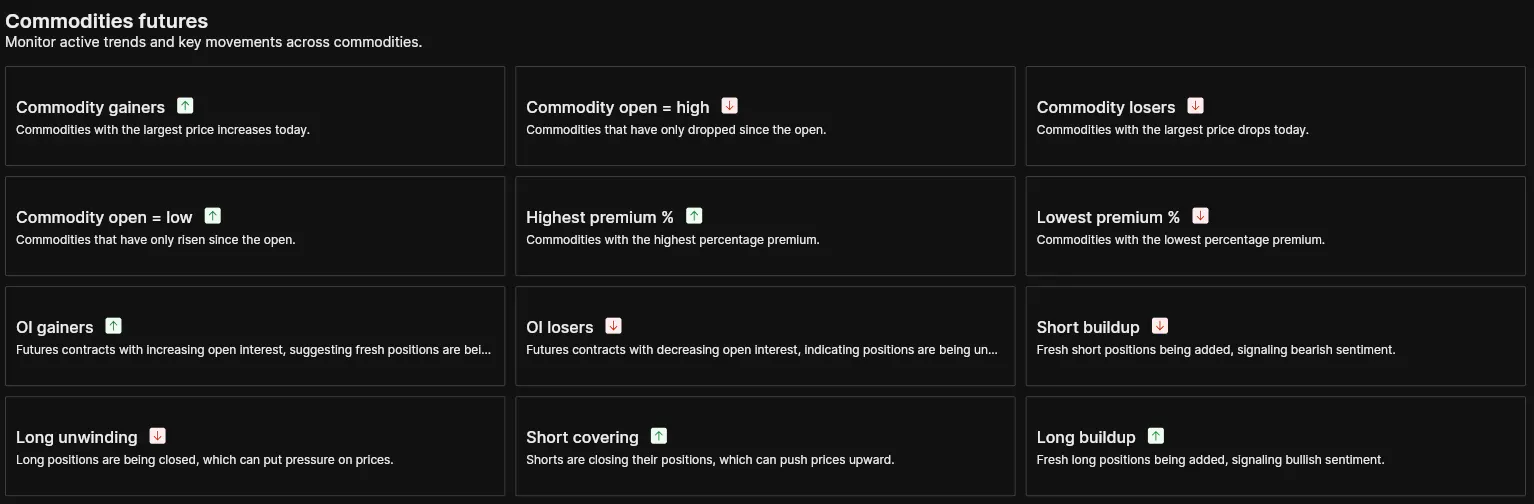
Everything you need to track momentum and positioning across commodity markets. From Commodity Gainers and Losers to Long Buildup and Short Covering, it's all in one place.
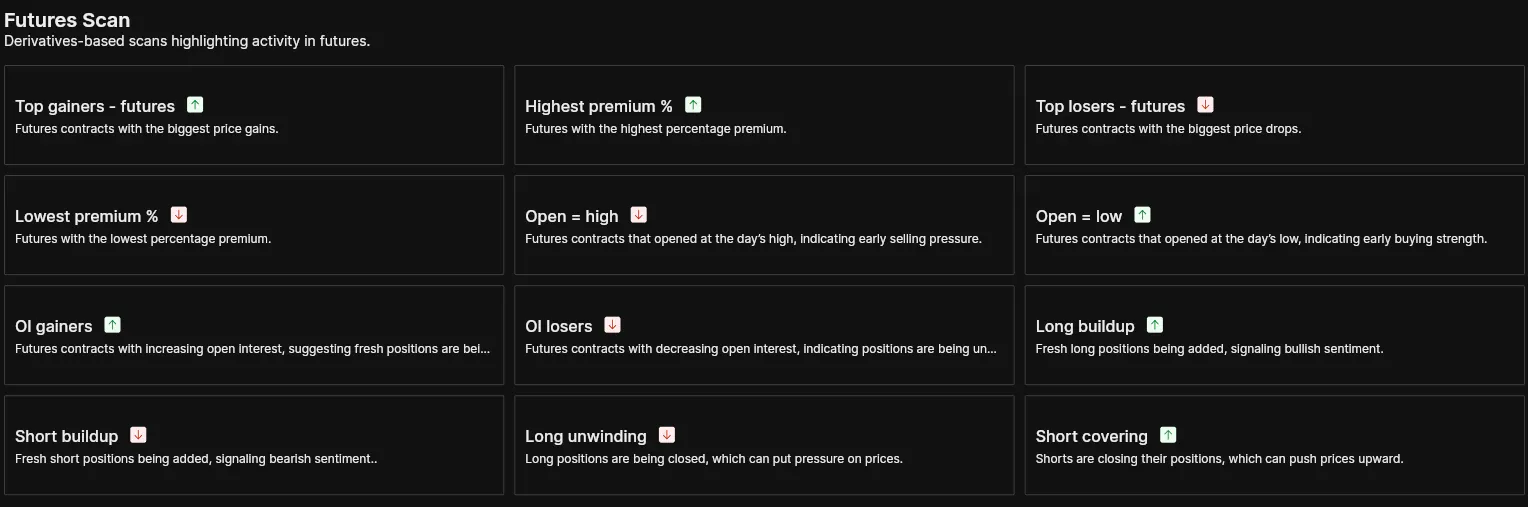
Derivatives-based scans across equity futures. Want to know where fresh positions are being built or closed? Screeners like OI Gainers, Long Buildup, and Short Covering give you that picture quickly.
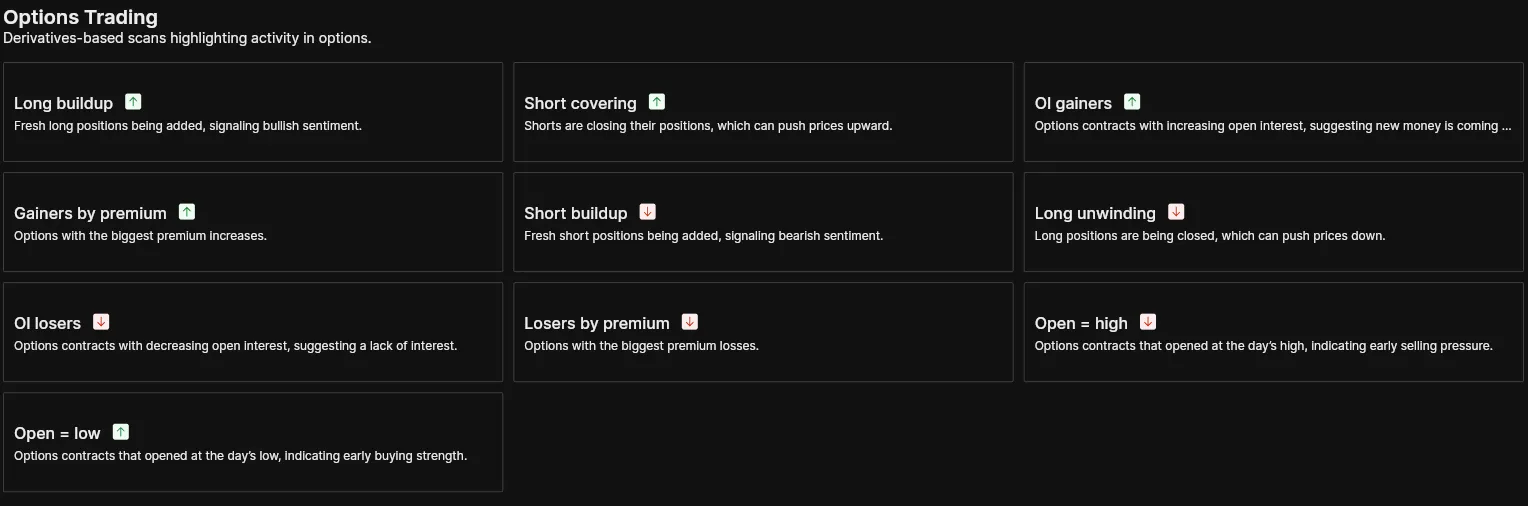
Tracks premium changes, open interest shifts, and positioning activity across options contracts. Useful for spotting where activity is picking up before it becomes obvious on the price chart.
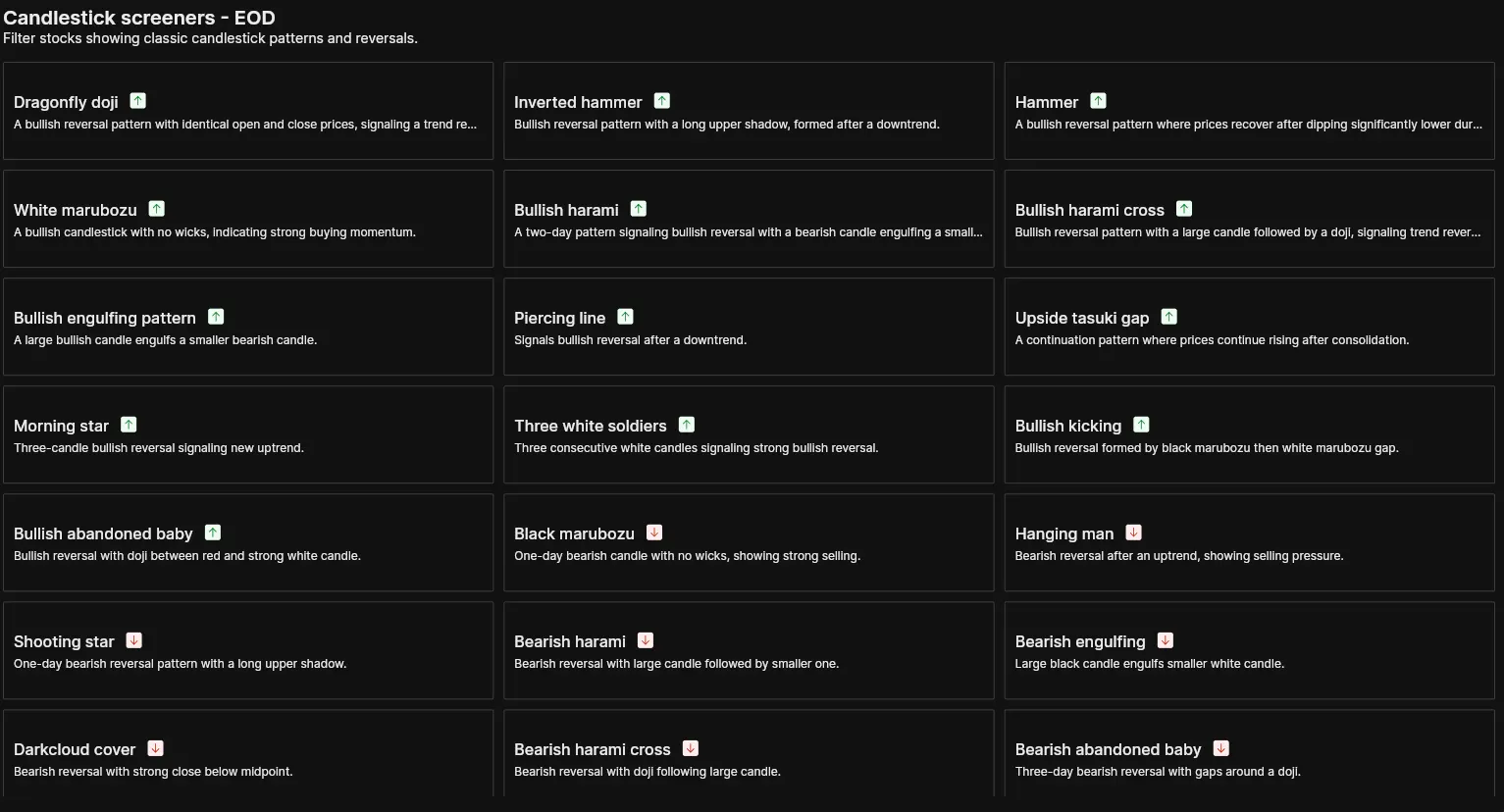
If candlestick patterns are part of your analysis, this category does the scanning for you. Whether you're looking for bullish reversal patterns like Morning Star and Bullish Engulfing, or bearish ones like Shooting Star and Dark Cloud Cover, you'll find them here at the end of each trading day.
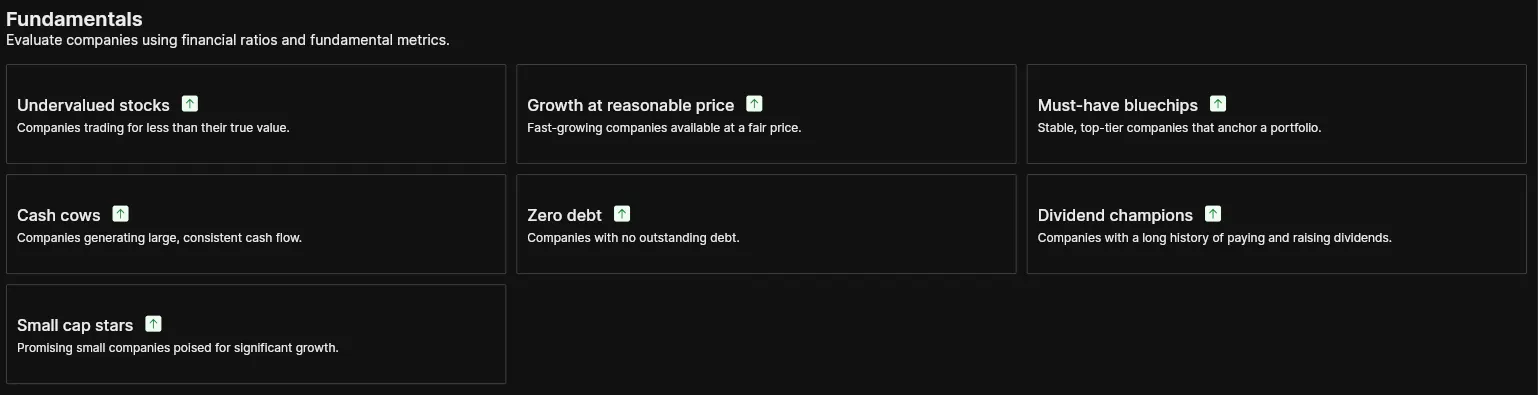
Covers screeners like Undervalued Stocks, Dividend Champions, and Zero Debt. A structured starting point for investors who evaluate companies using financial ratios and want to quickly surface names worth digging into.
Tracks active trends and key movements across ETFs. Covers ETF Gainers, ETF Losers, and ETFs approaching their 52-week highs and lows. Useful if ETFs are part of how you invest.

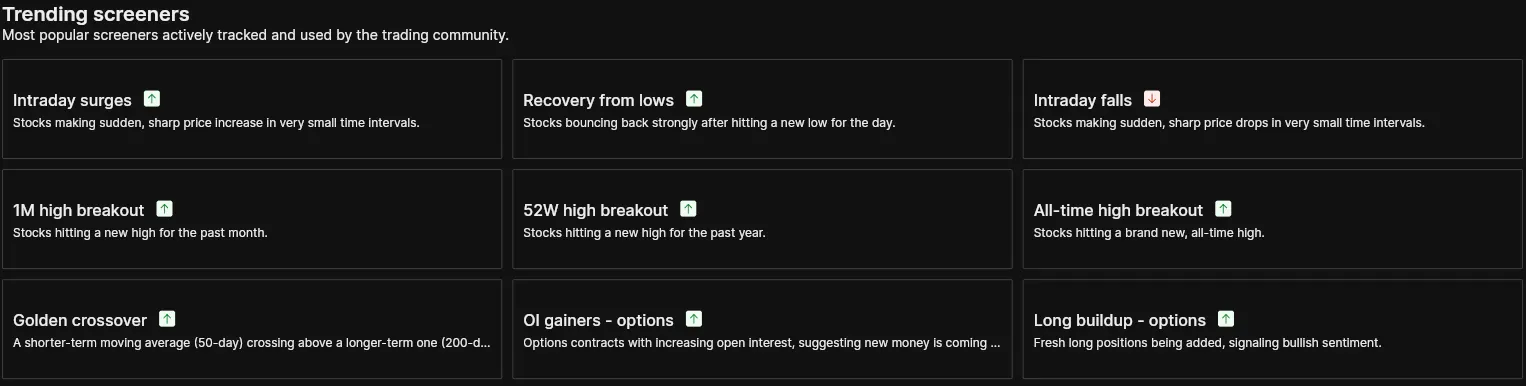
Not sure where to start? Trending Screeners shows you what other traders are actively tracking during the day. A good way to get a quick read on where the market's attention is before you dive in.
Finding a stock is only part of the job. How you analyse the results is what leads to a decision.
Table View gives you key numbers at a glance. You can also switch between preset metric tabs like Performance, Valuation, Margins and Profitability, Growth, and Liquidity and Solvency to compare stocks across the dimensions that matter most to you.
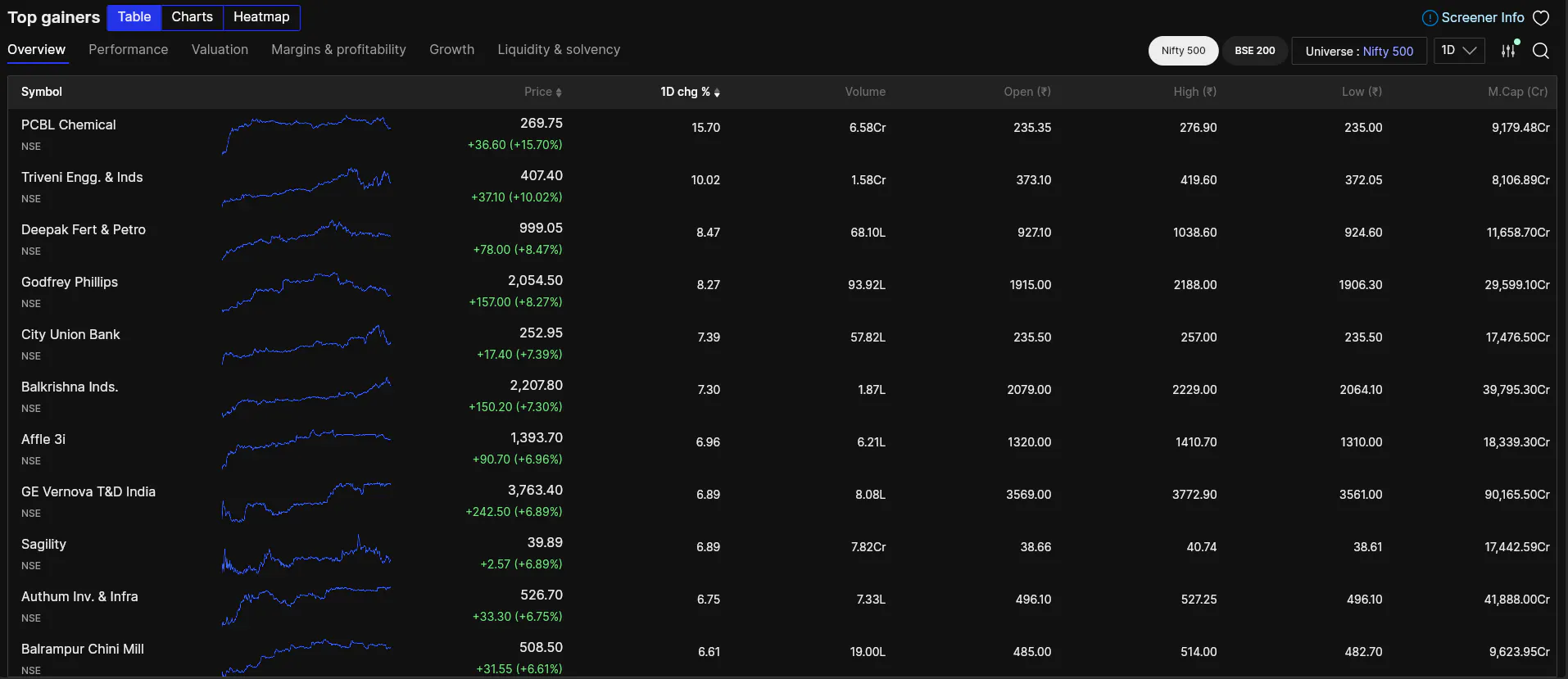
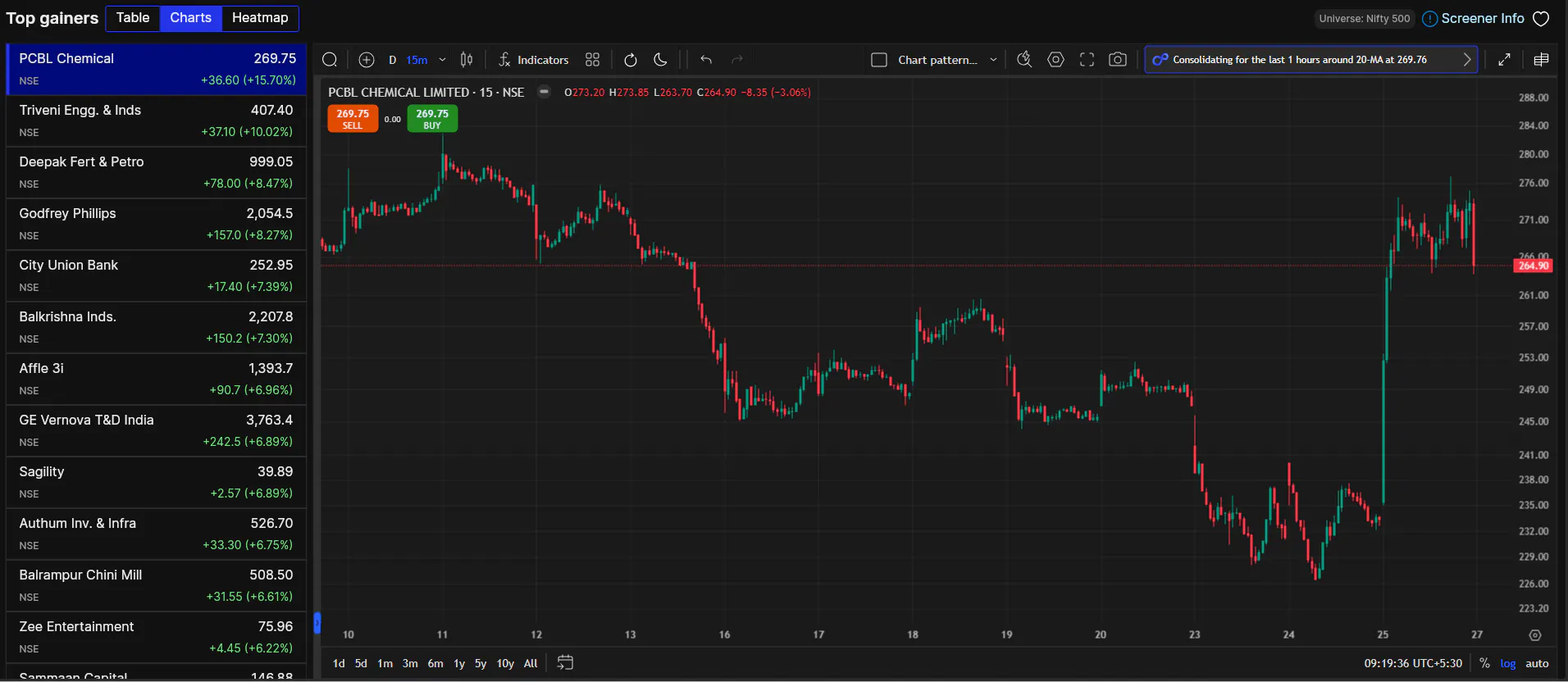
Chart View is for traders who want to see price action before making any decision. Every stock in the screener has a chart you can pull up directly, without switching tabs. And when you spot something worth acting on, you can place a buy or sell order right from the chart.
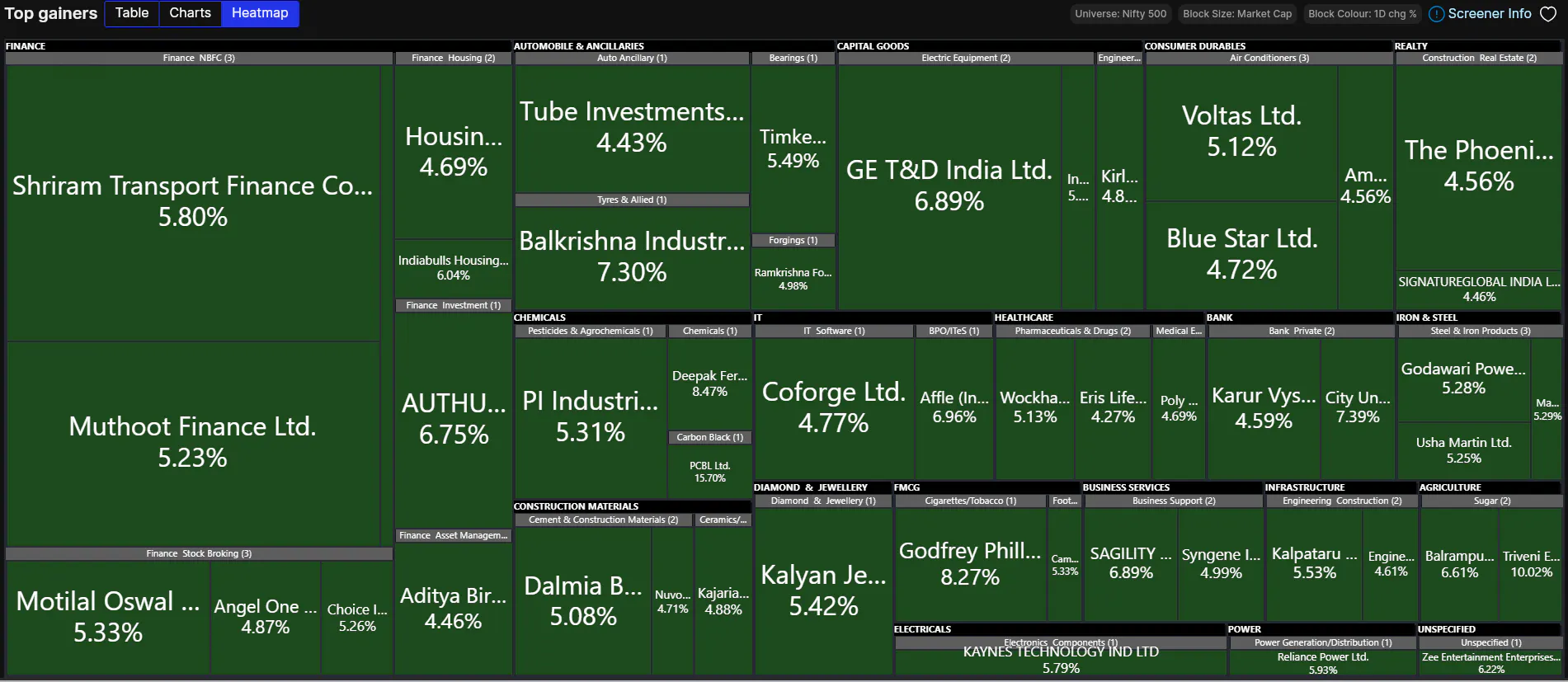
Heatmap View lays out all screener results visually by sector. Block size represents market cap, colour represents performance. Sectors that are leading and stocks that are standing out become immediately visible.
The screeners also refresh automatically every 60 seconds, so what you're looking at is always current.
Every screener shows you exactly how it's constructed. Open the Screener Info panel and you'll see the precise criteria behind the results. So you know what you're acting on, not just what came up.
When you find a screener that works for your strategy, save it by clicking the heart icon. It gets added to My Screeners for quick access every time you log in.
Here's where it gets useful. Every screener you save automatically populates a Smart Watchlist with the stocks it surfaces. So instead of manually adding stocks one by one after running a screener, your watchlist builds itself. The stocks you discover are ready to track the moment you save the screener.
Build Your Own Screener with FIA
If none of our 130+ screeners match your specific strategy, you can build your own using FIA, the FYERS Intelligent Assistant.
Just describe what you're looking for in plain language, across fundamentals, technicals, timeframes, whatever your criteria is. FIA turns your prompt into a fully functional screener. To know more about FIA, do check out Meet FIA: Get Insights, Not Just Data blog.
For specific questions, refer to screeners section of the support portal.
Finding an opportunity, analysing it, and executing the trade, it all happens in one place on FYERS. That's what Screeners are designed around.
Screeners is Available on both FYERS Web and the FYERS App. Go check it out and let us know what you think in the comments below.
