Watchlist saving issue!

Hello Support,

I am unable to import watchlist in my Fyers account. I tried with Import Option and by Adding Stocks (with comma separated formats) but none of the option is working.

**Issue: **

  • When I import the stocks into watchlist, it stays and get displayed in the watchlist but I get following error :

“Your watchlist could not be saved”
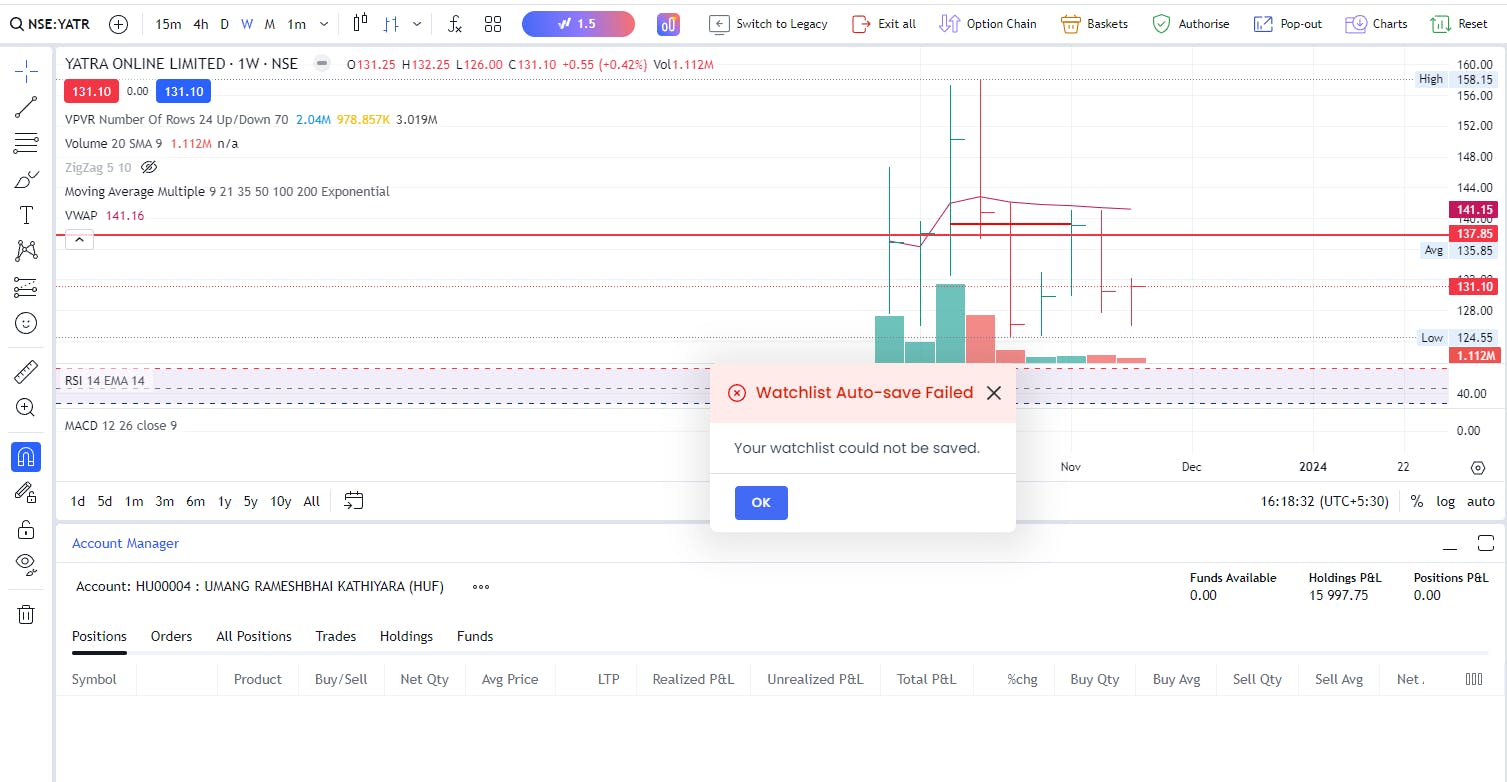
I have been facing this issues since last 15-20 days and tried many times to add stocks with various options (Like adding less than 35 stocks) but none of the option is working.

Is it true that we can not add more than 50 stocks in one watchlist?

Kindly help me on this ASAP!

Best Regards,

  • Umang Kathiyara.

Hi @umang_kathiyara,

Make sure the naming format of ALL symbols in your list is correct and as per Fyers Symbol Nomenclature -
https://myapi.fyers.in/docsv3#tag/Appendix/Symbology-Format

The import file should be a plain flat .txt (notepad) file with content as following example -

NSE:AXISBANK-EQ
NSE:CIPLA-EQ
NSE:HDFCBANK-EQ

Also, there is a max limit of 52 symbols you can add in a single watchlist in Fyers Web 1.5

Similar problem encountered ..

https://twitter.com/somesh__kumar/status/1745678396418560204

https://twitter.com/somesh__kumar/status/1745339429697548728

https://twitter.com/somesh__kumar/status/1730120842817003642

https://twitter.com/somesh__kumar/status/1629047282669871104

I am facing same issue with latest web also.