One platform for your every market move. Say hello to the all new
https://www.youtube.com/watch?v=rg_CDasn0_o
.

One platform for your every market move. Say hello to the all new
https://www.youtube.com/watch?v=rg_CDasn0_o
.
But it doesn’t have strategy builder.
Plz add “Matte dark” theme instead of "Glowing dark " theme in fyers app… add fyers older dark theme
Hello @a7mxqMLDnd, thank you for the feedback. It has been shared with the team concerned. However, you can access Strategy Builder via InstaOptions.
Hello @JHgdaZ5dAr, thank you for sharing the feedback. It has been bought up with the team concerned.
it will redirect me to the mobile browser and not convenient to use. A strategy builder within the app helps better.
We understand and have noted your feedback. Thank you.
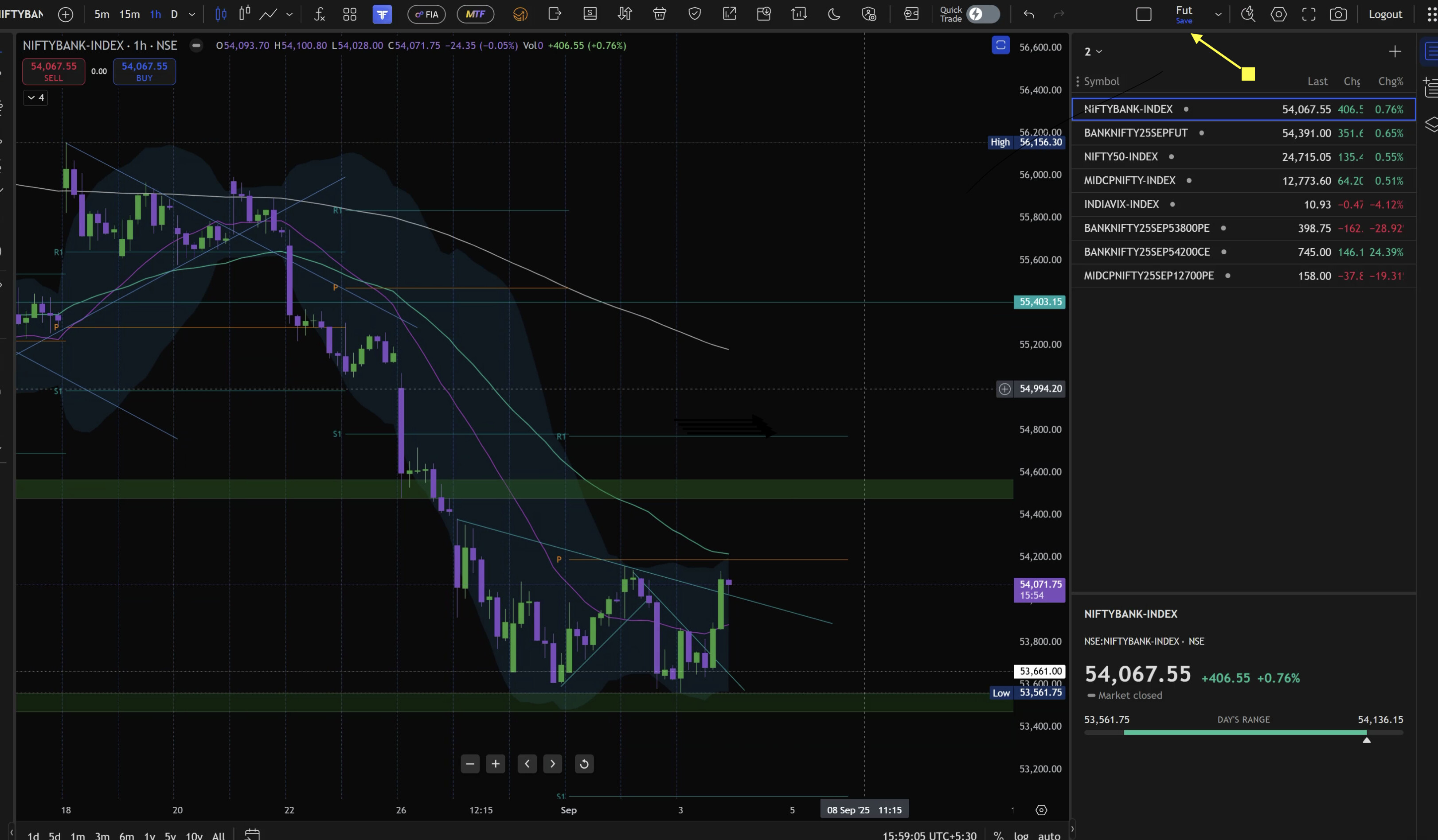
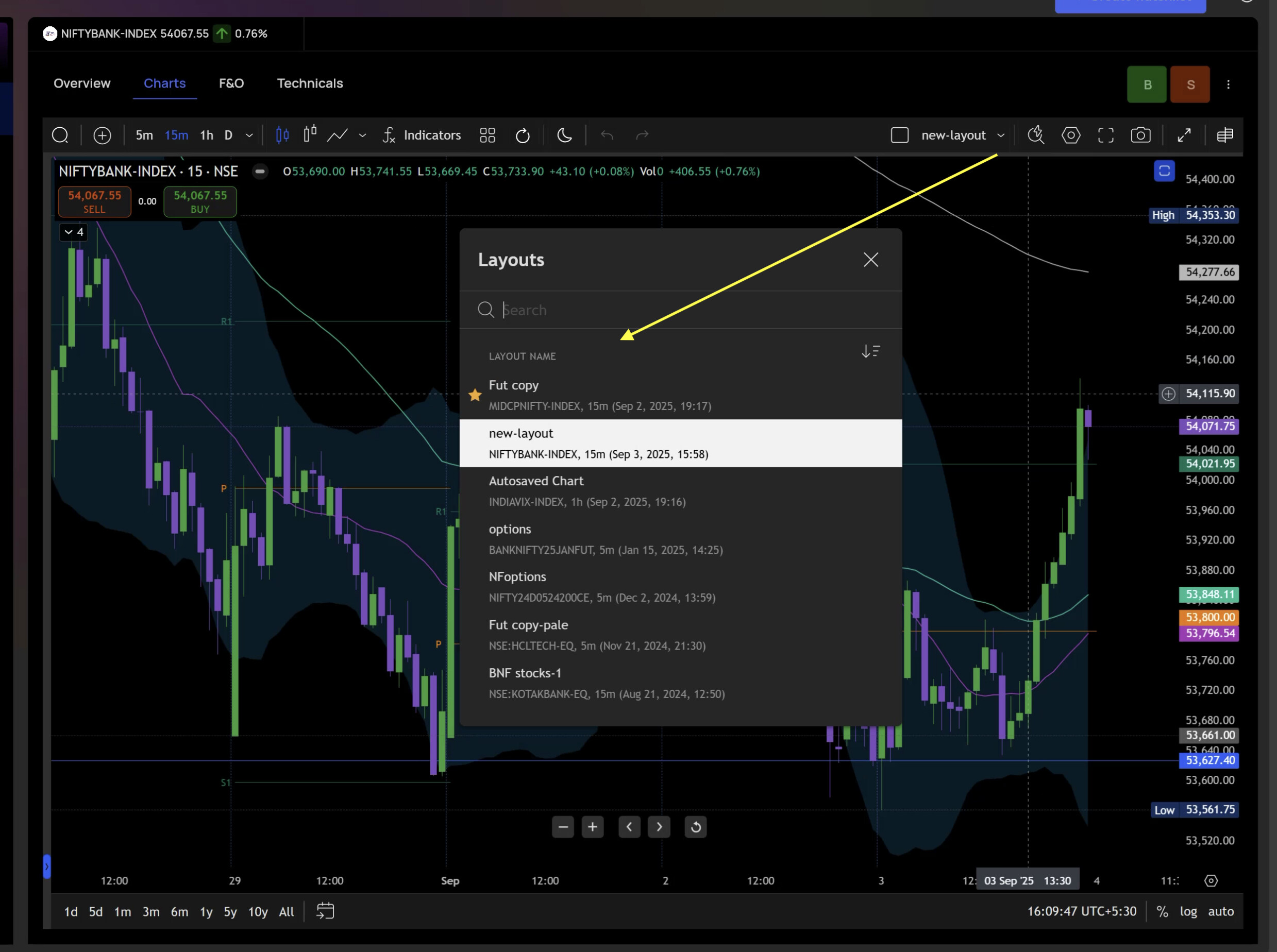
Chart layouts are not syncing between trade.fyers.in and fyers.in/web.
Fyers app is using new fyers web hence chart drawings made in trade.fyers.in are not seen in mobile app.
In mobile, fyers app is the only way to access charts so it’s really unfortunate that FYERS’s development team did not test this basic test case and so many others.
Attached are 2 snapshots of layouts from trade.fyers and fyers/web. trade.fyers has active layout as Fut while fyers/web don’t even show the layout. Hopefully, someone will fix it unless it’s an intentional decision to have separate layouts in both platforms.
from mobile, after placing the order by clicking Buy or sell. The window does not close or take to orders screen to view. It will be open and little confused if it is executed or not. Even for modify order. Additional clicks are required. Which I think are unnecessary. Unless you give some option like sticky window and keep it open if that is checked makes easy for users who does not need it open after placing the order or modifying the order
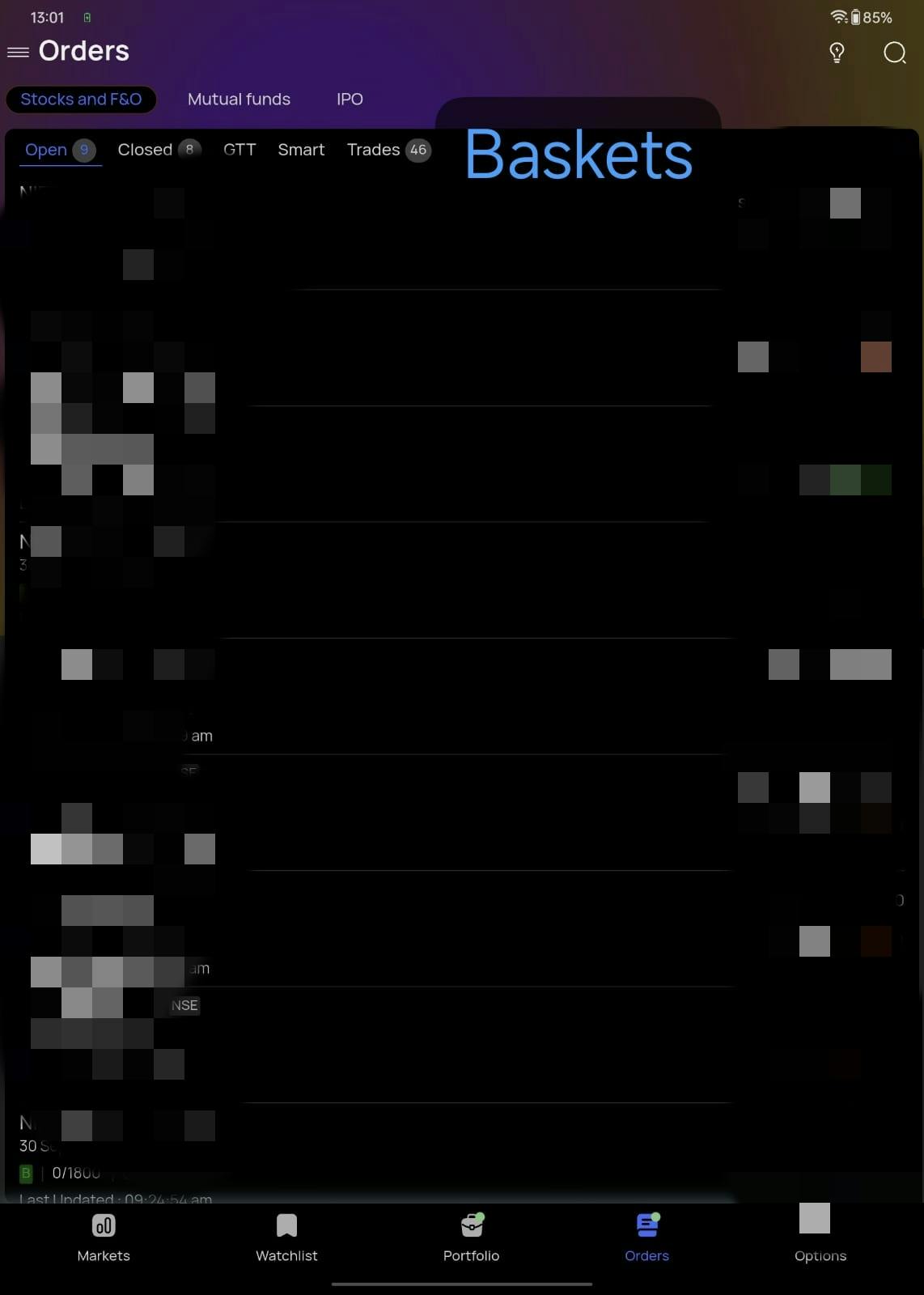
Pls add basket button in order tab also, bcoz it takes too much of time to click - 3 lines on left top and then go to baskets and enter scrips.
It will be a great add-on if you can add “basket” tab under Main Orders tab where
Open / GTT / Executed / Smart/ BASKETS
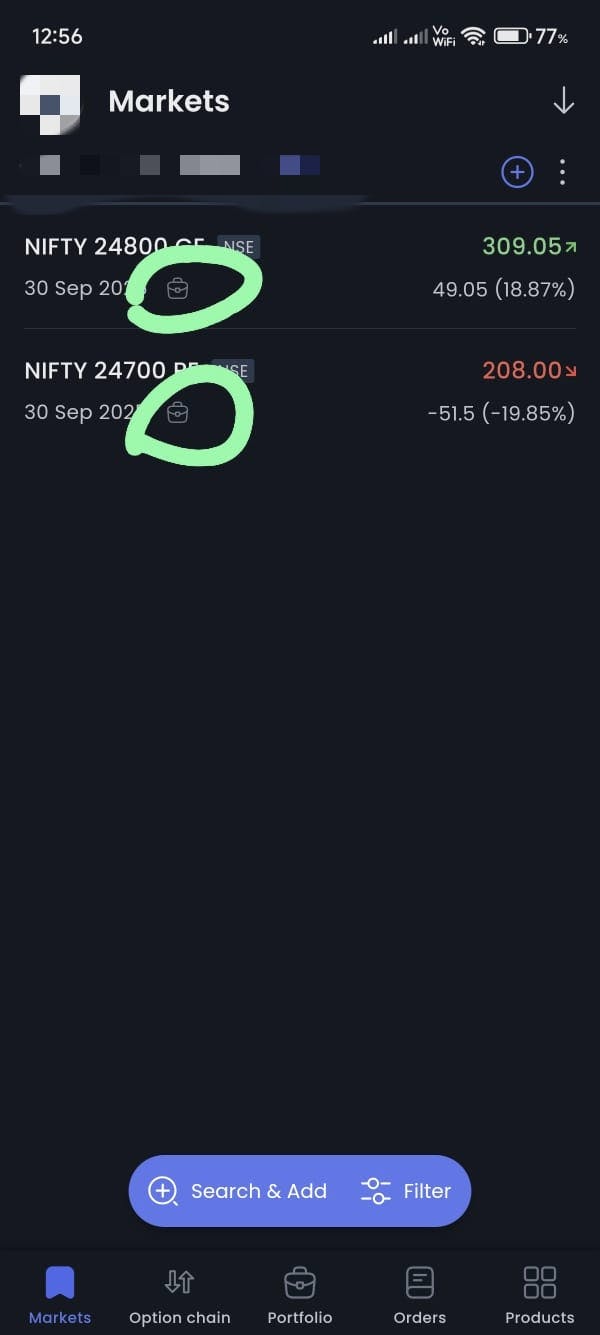
If any scrip is added to watchlists then there is no option of add scrip to basket either from watchlist or from order window box. (this has been updated)
Only adding to basket option available is to add from option chain
Can’t sort stocks in smart watchlist.
Thank you for sharing your detailed feedback. Your suggestion regarding baskets has been noted, and we are already working on it.