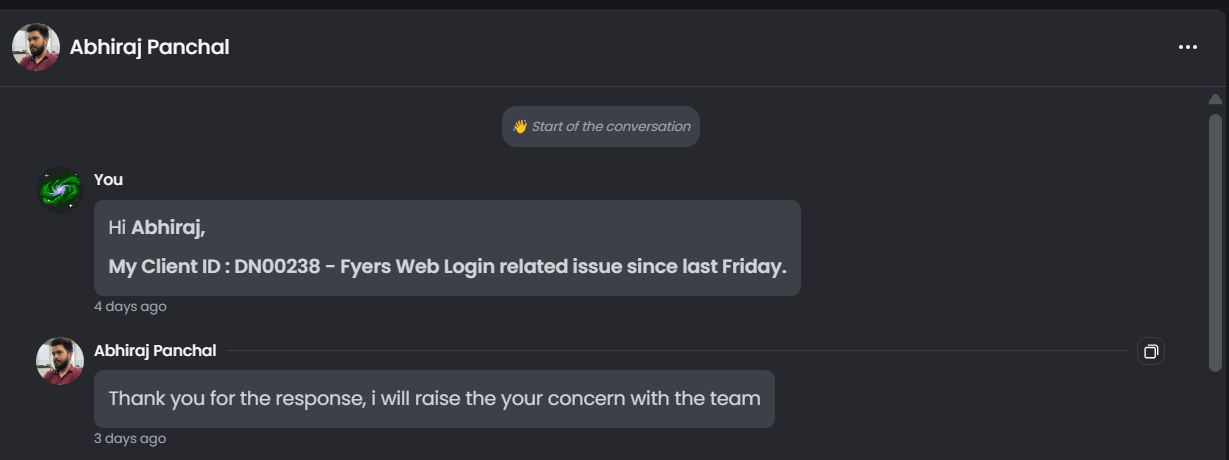
Hi Team,
Im having login issue since last Friday, can you please check and advise. After login the page is just black like the below.
Hello @vvkvivek12-355 , could you please share your Client ID via DM? I will raise the same with the concerned team
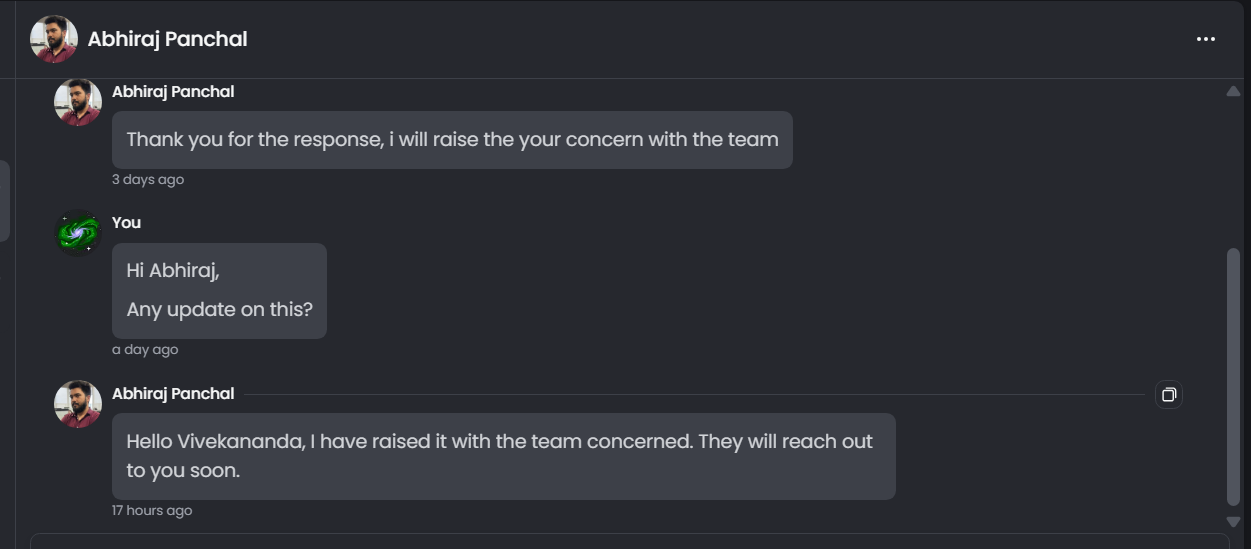
Hi Team,
Any update on this, facing login issue since Last Friday and no resolution.
Hi Vivekananda,
Would you mind sharing either the recording of this issue or dm your client id for us to get in touch with you?
Hello @vvkvivek12-355, upon checking we have observed that you able to login now. However could you please confirm if you’re still facing the same issue now?
Same issue. i dont know how and what did you observe about my login. im still not able to login please the screen recordings with the time attached.
I have shared the screen recording with the team concerned. I will keep you updates on the same
Noted Vivekananda. @DO4oDGcq5n will help you get this resolved.
It is related to hardware accelerator settings in your chrome settings to be enabled.
Pranav, Your team Gowtham Raju contacted me and they are advising me to turn off Microsoft defender Firewall to access Fyers website, i mean what kind of resolution is that, are they really trained to handle a issues and does this person know the consequences of turning off the firewall. I asked them to send an email saying the same - to use Fyers web you need to turn off your firewall, there is no proper response from this person.
Kindly request you to assign a right qualified person to resolve this issue and i have been with the Fyers more than 5 years and im losing trust and hopes with the company looking at the quality and time taken to arrive at resolution.
Will do, Vivekananda. Apologies on behalf of my team.
Meanwhile, as mentioned earlier, please check if the steps below help. Let us know if it persists.
| Verify Browser Behavior: |
|---|
| - Check if the issue occurs only in Google Chrome. |
| - Try opening the same URL in Microsoft Edge or another browser. |
| Enable Hardware Acceleration in Chrome: |
| - Open Chrome and navigate to: chrome://settings/system |
| - Enable the option: “Use hardware acceleration when available” |
| - Relaunch the browser when prompted. |
| Validate After Relaunch: |
| - Reopen FYERS - Web and confirm if the UI is now rendering correctly. |