@SWF99NL8oO In case the API order is rejected API gives response as success and not Failure. how do we tackle this. How is it different from using TV to place order, as at the bottom it also shows trading /order panels.
× Preparing metadata (pyproject.toml) did not run successfully.
│ exit code: 1
╰─> [14 lines of output]
  + C:\Program Files\Python313\python.exe C:\Users\Prasanth\AppData\Local\Temp\pip-install-qfkrgr4h\numpy_7ba8b9a2a66b498db4e51c8693bf0240\vendored-meson\meson\[meson.py](http://meson.py) setup C:\Users\Prasanth\AppData\Local\Temp\pip-install-qfkrgr4h\numpy_7ba8b9a2a66b498db4e51c8693bf0240 C:\Users\Prasanth\AppData\Local\Temp\pip-install-qfkrgr4h\numpy_7ba8b9a2a66b498db4e51c8693bf0240\.mesonpy-sfpslsqx\build -Dbuildtype=release -Db_ndebug=if-release -Db_vscrt=md --native-file=C:\Users\Prasanth\AppData\Local\Temp\pip-install-qfkrgr4h\numpy_7ba8b9a2a66b498db4e51c8693bf0240\.mesonpy-sfpslsqx\build\meson-python-native-file.ini

  The system cannot find the file specified.

  The Meson build system

  Version: 1.2.99

  Source dir: C:\Users\Prasanth\AppData\Local\Temp\pip-install-qfkrgr4h\numpy_7ba8b9a2a66b498db4e51c8693bf0240

  Build dir: C:\Users\Prasanth\AppData\Local\Temp\pip-install-qfkrgr4h\numpy_7ba8b9a2a66b498db4e51c8693bf0240\.mesonpy-sfpslsqx\build

  Build type: native build

  Project name: NumPy

  Project version: 1.26.2

  Activating VS 17.12.3

  ..\..\[meson.build:1](http://meson.build:1):0: ERROR: Compiler cl cannot compile programs.

  A full log can be found at C:\Users\Prasanth\AppData\Local\Temp\pip-install-qfkrgr4h\numpy_7ba8b9a2a66b498db4e51c8693bf0240\.mesonpy-sfpslsqx\build\meson-logs\meson-log.txt

  [end of output]
note: This error originates from a subprocess, and is likely not a problem with pip.
error: metadata-generation-failed
× Encountered error while generating package metadata.
╰─> See above for output.
note: This is an issue with the package mentioned above, not pip.
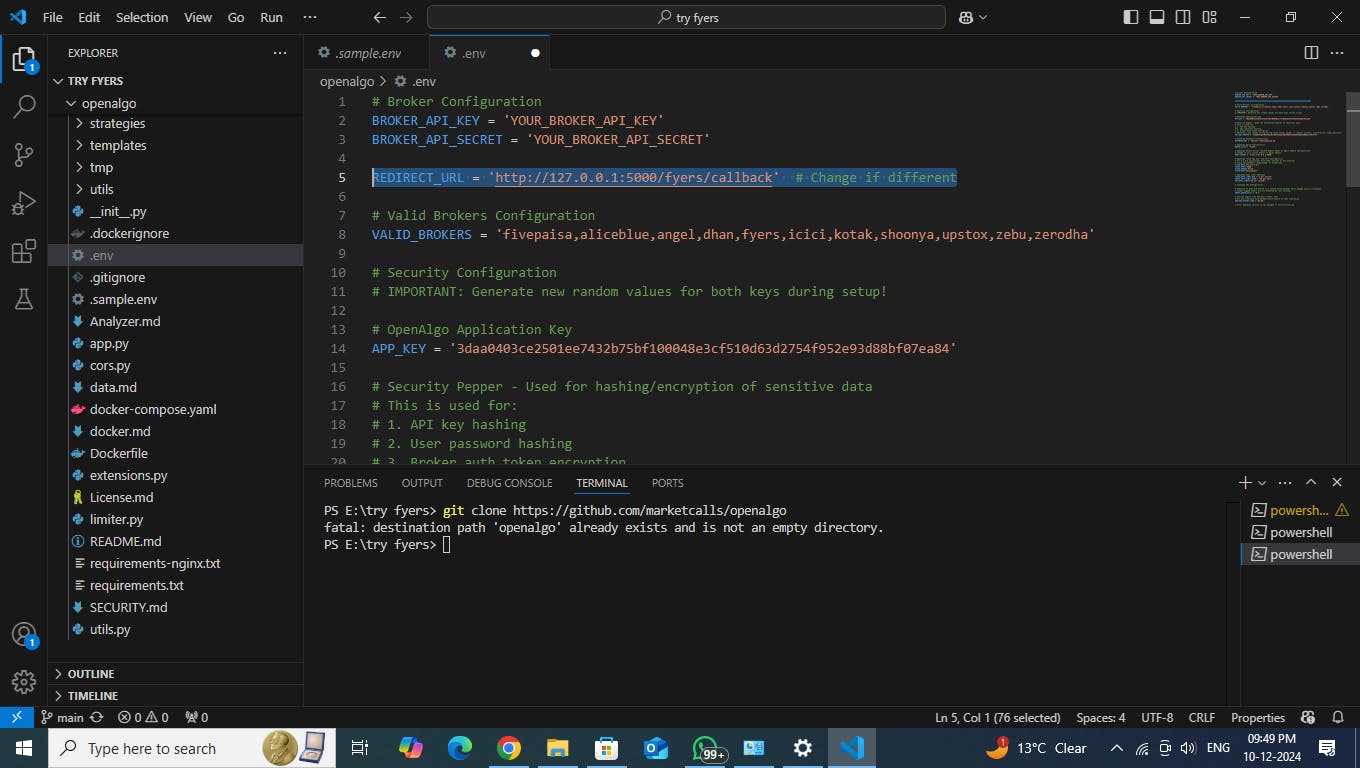
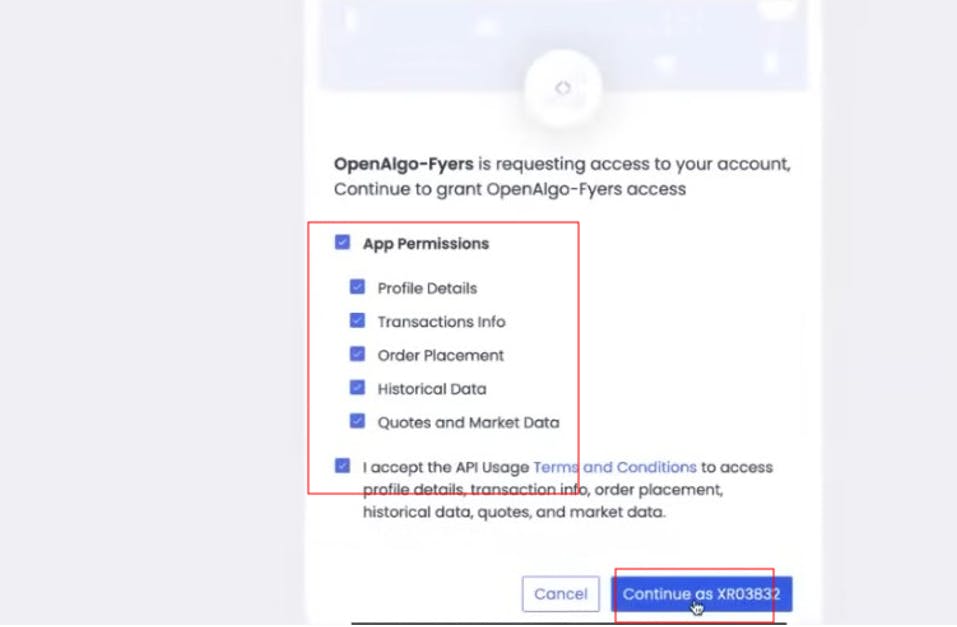
@SWF99NL8oO I have done all the steps till this page. I have provided my password, otp every this was working till that But Dashboard page is not loading. Insted getting This site can’t be reached
127.0.0.1 refused to connect. In developer tools : Network section found : (failed)
auth_code=xxxx (replaced my auth code). Could you pls help me on this to resolve this issue. I’m very intersted to use this app. Request you please provide me your support.
@SWF99NL8oO, I found the issue. The local flask app working on 5000 port. But in Api app, Redirect url mentioned as 5001 port. “http://127.0.0.1:5000/fyers/callback”. Now I have updated the port number in API app redirect url. Now app got loaded dashboard. Thanks.
One can goto the db folder delete the openalgo.db file and start the application and remember the credential the next time you are setting up openalgo.
Everytime the order is sent to the broker and broker generates the orderid it is considered as successful response. But the order can be rejected or open or trigger pending or in a complete state.
As of now if the broker orderid is generated then it is considered as successful response. Failure to generate the order id because of invalid parameters or any other means then it will result in error response.
Hello sir, i performed the steps as mentioned by you in the video and renamed the same.env file to .env and also change the redirect url to http://127.0.0.1:5000/fyers/callback , but iam getting redirect url of zerodha, plz guide how to fix it.

 [ForEach-Object], ParameterBindingException