Hi Kishore, I’m trying to build a custom workflow in the Automate section, in the past week I was able to see a button to create a new workflow, but now I don’t see any option to build one.
Hi,
- Is there any plan of adding dynamic parameters in webhook, for example sending price and sl on webhook and use it in the place order action?
- Is there any plan of adding reentry logic on sl or target?
Ho @3gSjRNuE7e, You can send dynamic parameters via webhook from Tradingview and Chartink. You can also create reentry conditions using SL and Tgt inside place order nodes.
Please refer to this video to understand re entry:
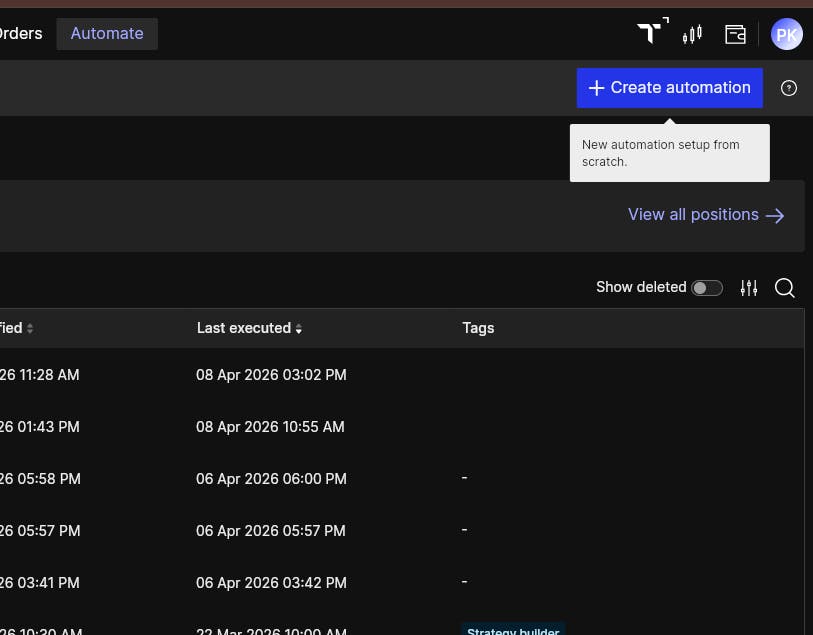
Hi @110041531913578316569 you can always start create new workflow from here by clicking the CTA.
1 Like
Hi @106042404504173774959 , please use tradingview webhooks for the same.
Hi Kishore, Thank you for the reply, just saw that I am able to get parameters on webhook, but I am not able to use those parameters in the order node, details i have added in this question https://fyers.in/community/t/how-to-use-dynamic-webhook-parameters-values-on-place-order-action/22543
And for the reentry part, just to be clear, we have add place order action on sl/target, so if i want to do reentry 5 times on sl we have to add 5 place order action node one after another sl right?
hey kishore, i am unable to see this cta. i have been trying since weekend, during weekend i assumed that there might be a weekly update or something in development, but still i am unable to see this cta button
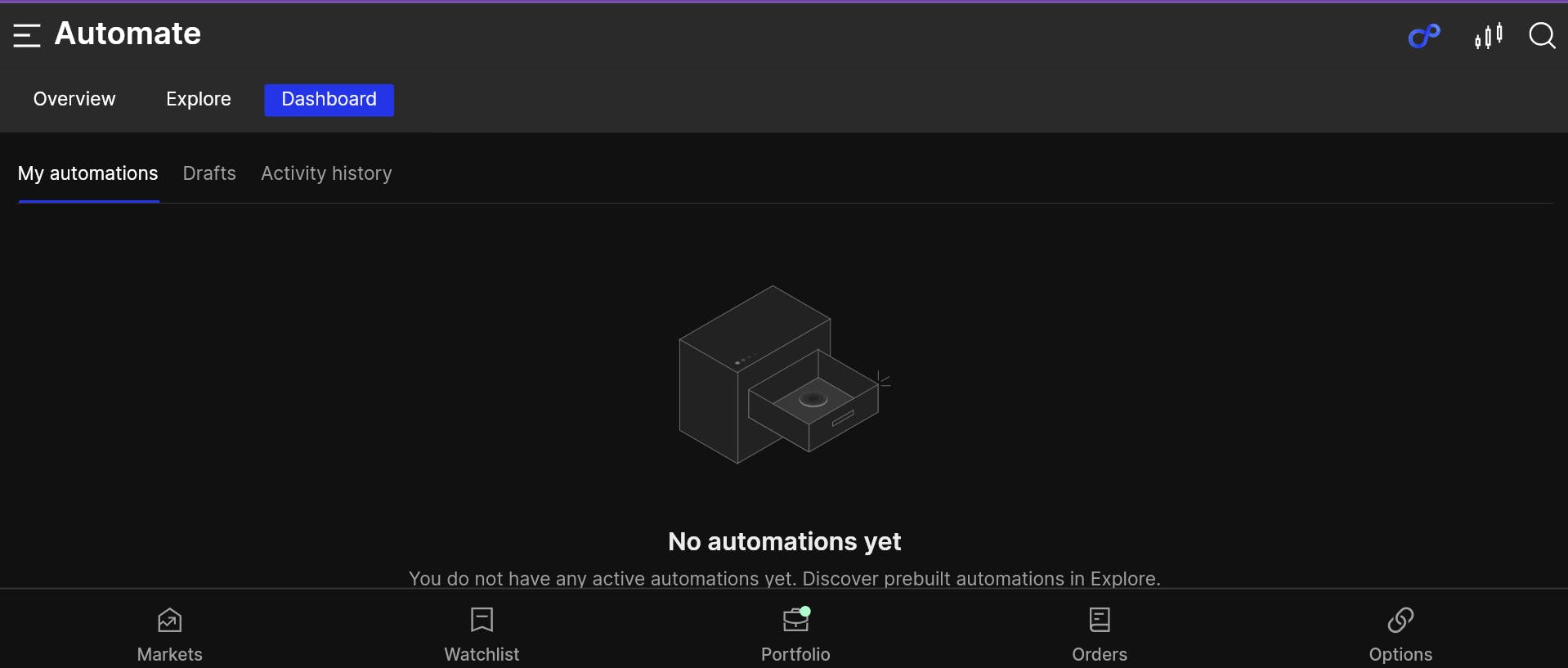
Could you please try reducing the screen resolution/zoom by pressing Ctrl + (-) on your keyboard. The “Create Automation” CTA is available on desktop, so adjusting the zoom should help make it visible.
Let me know if you’re still unable to see it.
Hi Kishore, I’m building an algo strategy in Python (no Chartink/TradingView). My Python script generates all signals and sends them to Fyers Automate via webhook. I need to confirm:
-
Can I pass custom variables like symbol, qty, price, SL in the webhook JSON payload, and have Automate use them when placing the order?
-
I need Automate to handle: entry orders (buy/sell market), partial exit (sell 50% at target), trailing SL updates, and full squareoff. Is all of this supported via webhook triggers?
-
Do I need to hardcode qty/price in the workflow, or can Automate read them dynamically from my webhook payload each time?
Automate is just the execution layer. Is this the right approach?
how to setup exit with target and SL
By when will you add Exit Condition based on Expiry day and time?
Hey Yoosha Raza, yes, you can call the webhook from your Python script or any external platform with ability to pass Symbol, Qty, Price. SL you can configure from automate itself.
- Position management like partial exits, trailing SL, and square-off can be handled within Automate workflows rather than directly through the webhook.
- You can either hardcode the quantity in Automate or pass it dynamically through the webhook payload.
Hi @114672713600110590640, You can set up exit with Target and SL in automation. For this use the “Place Any Order” or “Place Option Order” node with SL and Target configuration. For more details, kindly refer to this video.

Hi @ravi_ks, you can achieve this by creating two separate automations one for entry and another for square-off based on your required expiry day and time schedule.
I have a intraday option strategy and had been running on algotest under 920 model. Can you help me to replicate the same in fyers automate. I tried to understand your videos but getting confused.
Can you give an example or demo link ? I want the strategy to exit on 9:30am on expiry day of the instrument
Hi @113269783060352229731, could you please elaborate on the details and DM your client ID so that I can help you with it?
@ravi_ks, could you please share your client ID in DM so I can check this in detail and get back to you?
Sent
@ravi_ks, thank you for sharing the details. We will get in touch with you soon.